
Promotion
Boosting rules, custom results and redirects
Promote products without breaking the relevance of the search.
Reviewed October 23, 2026 · Customer guide
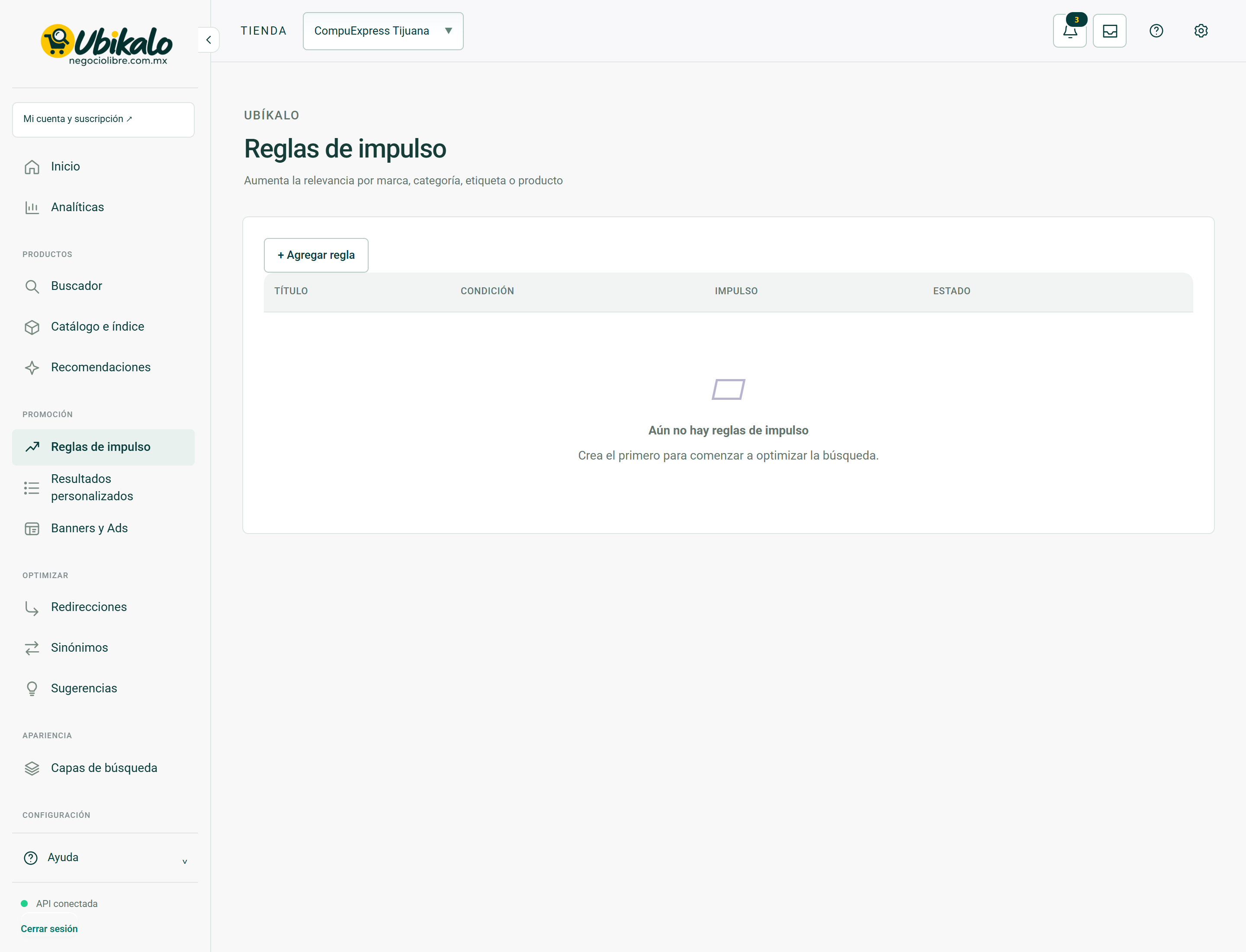
Read about this screen’s controls →
Steps
- Define the objective: push a group, set products for specific terms or lead to a page.
- Create the rule in the corresponding section and review products, terms, status and destination.
- Try the query with and without the rule; includes budget and restrictive filters.
- Disable the rule if it harms relevant results or targets recalled products.
Choose the tool
Momentum changes priority. A custom result sets products under the configured conditions. A redirect leads to a URL. They are not equivalent; A poorly defined redirect can prevent the user from seeing results.
Protections
Promoting must not circumvent price, category, availability or applicable exclusions. Avoid very broad rules for frequent words. Periodically check that the token and destination are still active.
How to verify it worked
Unrelated queries keep their results and no promotions violate purchase restrictions.