
More relevant options—not more noise.
Product recommendations offer an additional way to explore the catalog. Its value is not in filling a space with articles, but in presenting related options that the visitor can recognize and open. Set up your presentation, check the integration, and review the available events to understand how they are used.
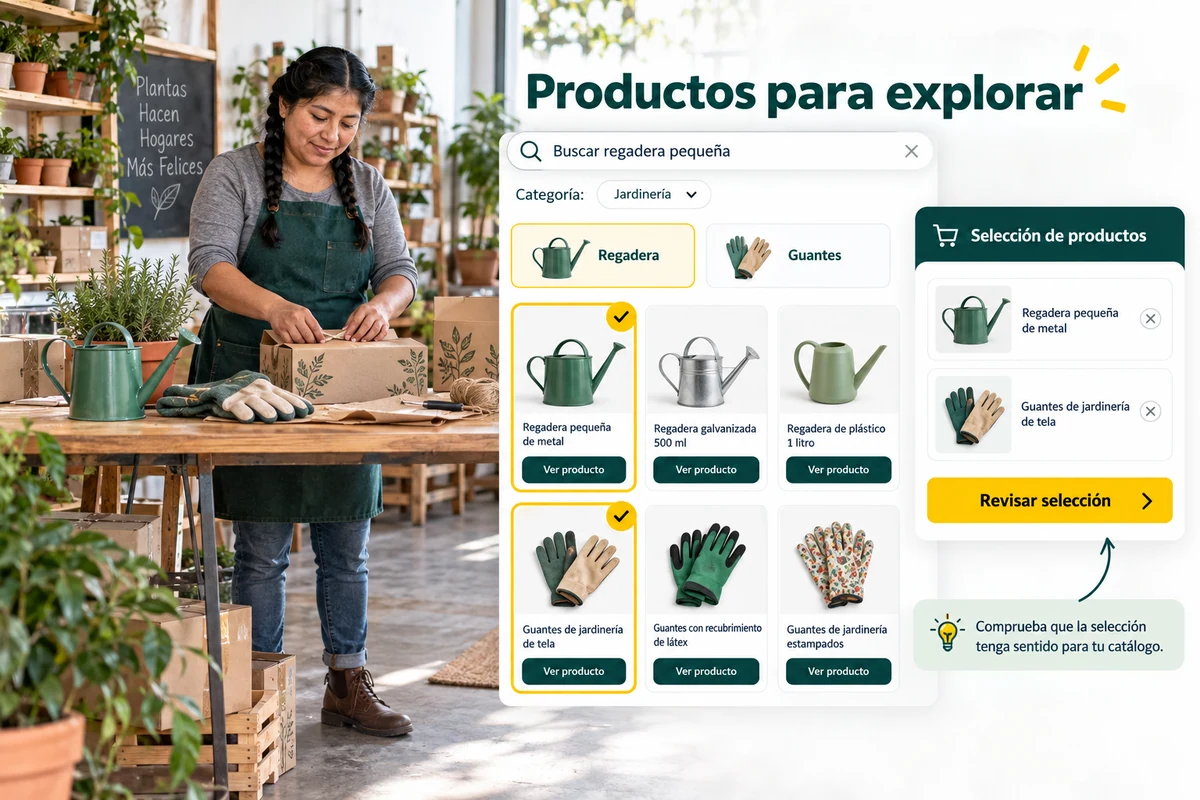
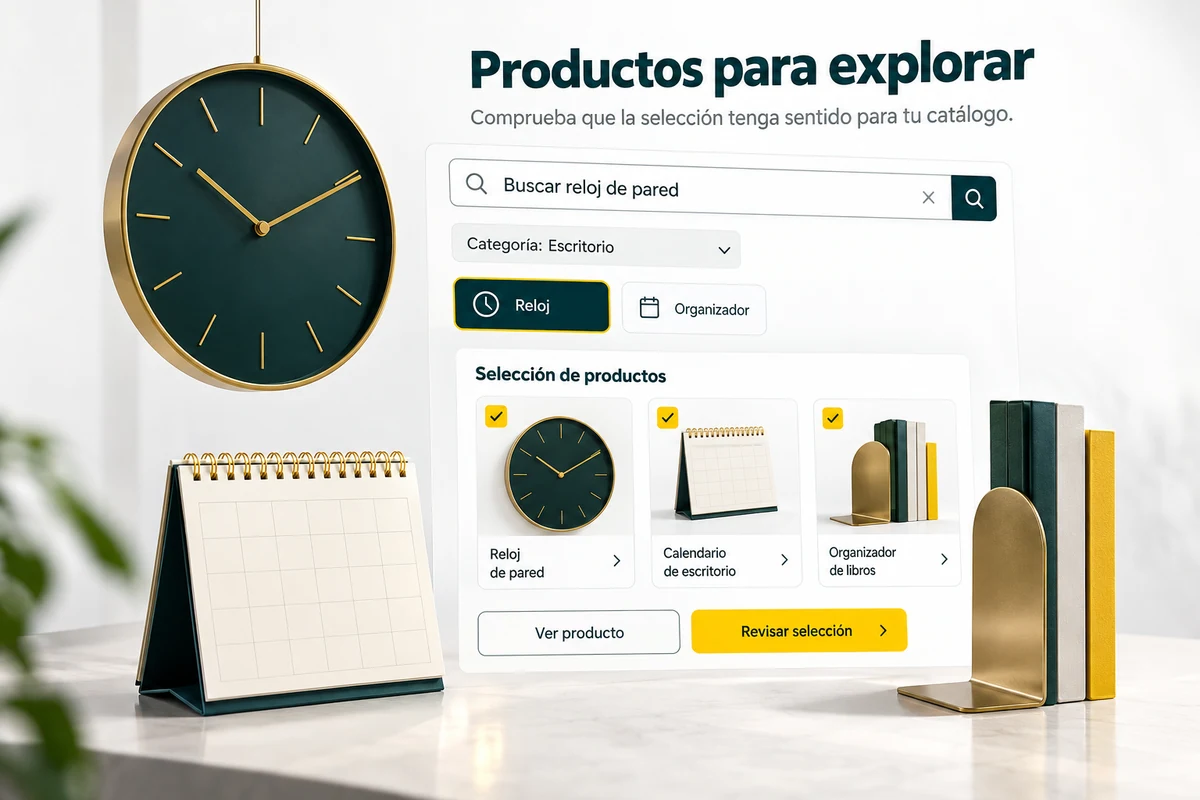
To recommend is to accompany an exploration.
A related selection must preserve the context of the purchase. Review which products appear and avoid interpreting any set of cards as individual customization. The relevance is checked on the scenario in which they are shown.
Before activating a space, confirm that the items have the correct image, name, price and link. If the sheets are incomplete, the presentation of recommendations will drag on those problems.
- Check the context of the selection.
- Review data and destinations.
- Avoid unnecessary duplication.
Explore a related option
A customer reviews footwear and finds a selection of products related to that context. Check if the articles help to continue the purchase and if each link opens the correct tab. The illustration does not promise that the system will predict individual tastes or that an add-on will sell because it appears next to the main product.
Explanatory example; It does not consult your account or modify data.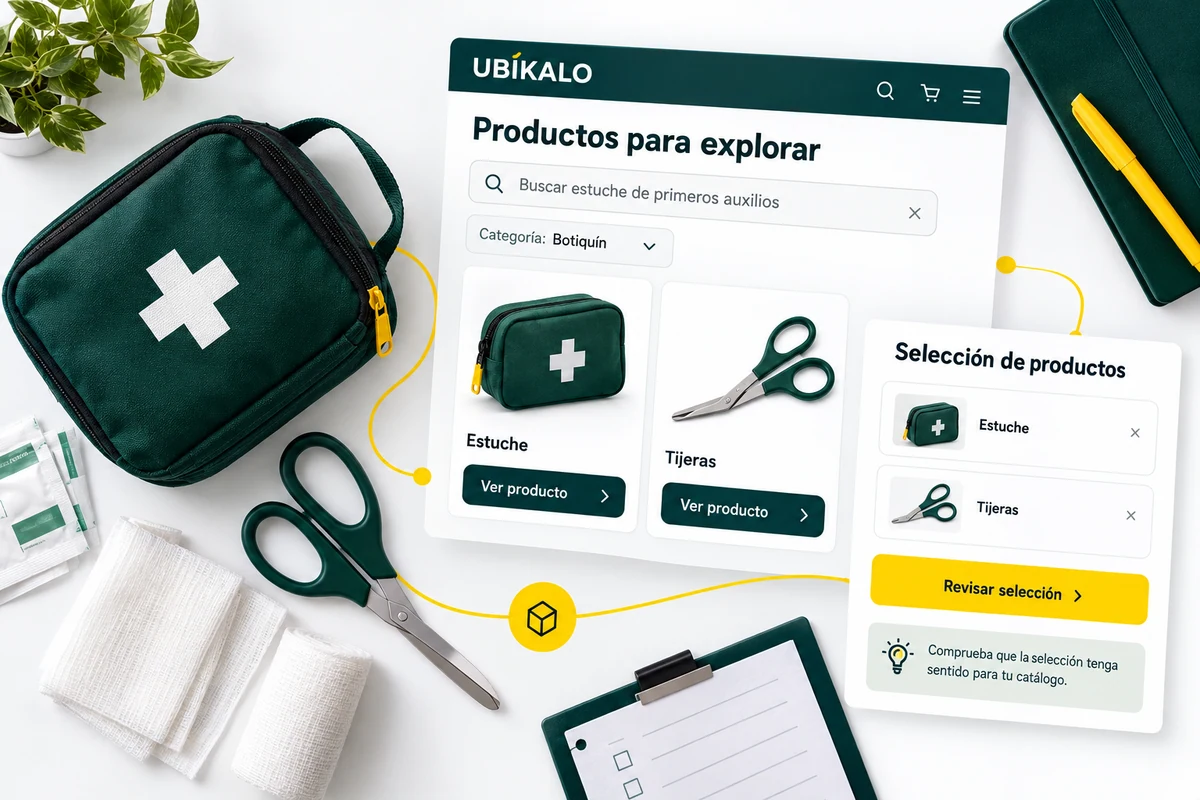
Presentation and integration, reviewed together.
The dashboard includes appearance and integration options for recommendations. Validate that the block is displayed where it belongs and that the products can be opened on mobile and desktop.
See available analytics without converting impressions or clicks into assumed sales. A registered interest can guide a review, but needs to be contrasted with the operation and orders to evaluate commercial results.
- Check the installed block.
- Checks for empty actions and states.
- Separate clicks from orders.
A tour that you can check.
- Review the Recommendations options.
- Check the selection on the installed site.
- Look at the available events and adjust the context.
Recommendation questions
Is recommending equivalent to knowing each person?
Not necessarily. A contextual selection should not be confused with an individual profile of preferences.
Where do I adjust your presentation?
In the appearance and integration options available in Recommendations.
Is an upsell guaranteed?
No. Exposure and clicks alone do not equal a purchase.
See the actual steps and controls.
Settings depend on your account permission, integration, and scope. The guide documents how to locate options without confusing an illustration with a completed trade.
Open the corresponding guide →Take this experience to your business.
Review business options and scope before subscription.
Know the options →I already have an account