
A WooCommerce search engine connected to your catalog.
The integration should connect your store products with a verifiable search experience. Before publishing, check permissions, synchronization, and presentation. An installed connector does not in itself prove that the catalog is complete or that the search engine works correctly within your theme.
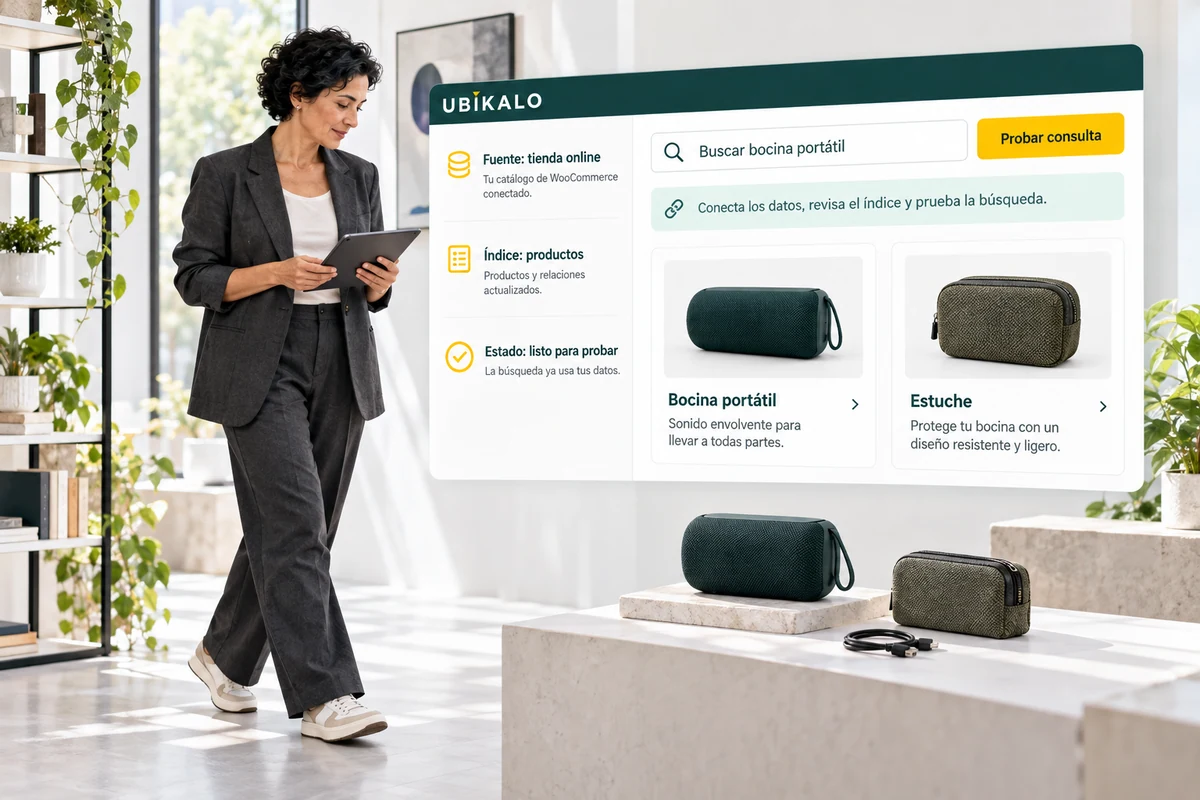
If your WooCommerce store sells in Mexico, check currency, prices and attributes after syncing. The installation does not by itself change the tax or sales conditions of your store.
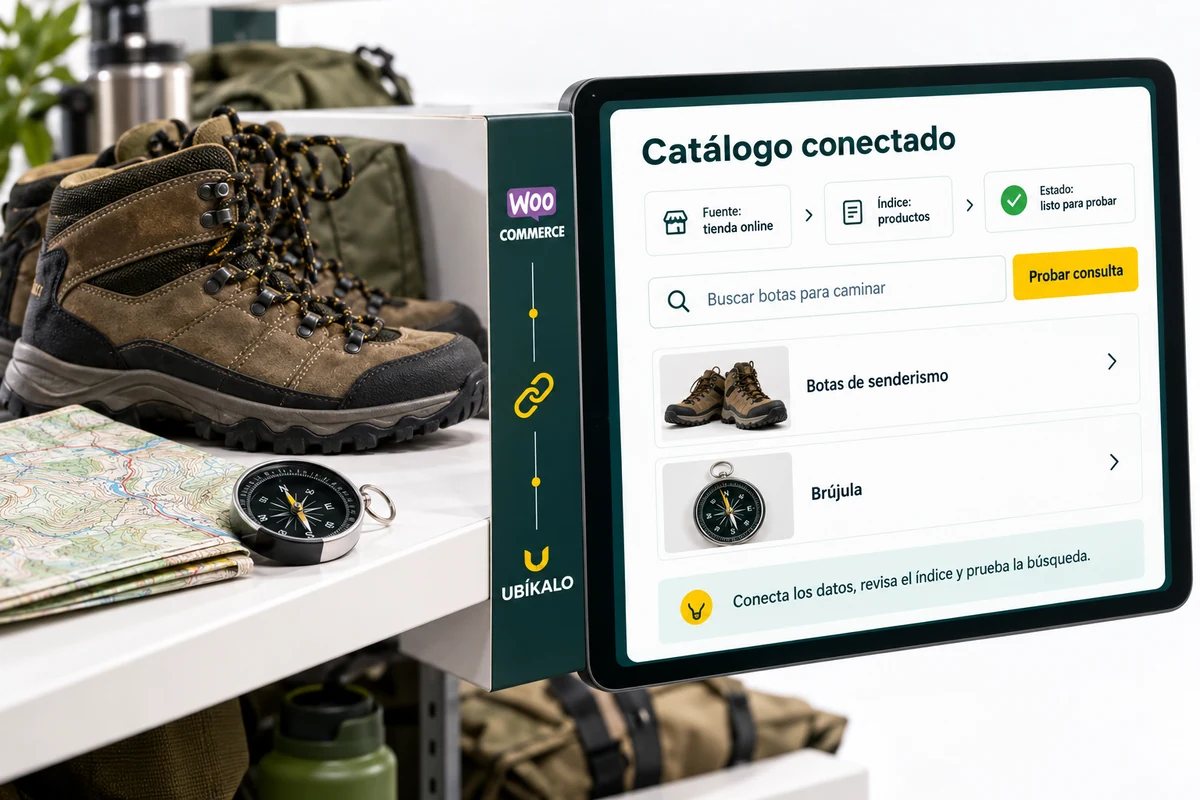
Connect the store with controlled permissions.
Use the installation flow and credentials corresponding to your account. Keep sensitive data out of captures, public documentation, and fields that don’t need it.
Check the selected store and connection status. Integration credentials should not be confused with the dashboard access password or an AI provider key.
- Please check the authorized store.
- Use safe connector flow.
- Don’t post credentials.
An installation ready for review
The store connects, synchronizes its products and allows you to find them from the installed layer. Validation ends when you open the correct tabs and verify the data, not when you display a connection label. Keep a short checklist for later review.
Explanatory example; It does not consult your account or modify data.
Synchronize and validate before opening to the public.
Select representative products and compare name, link, price and categories after synchronization. Includes one updated product and one that should not appear to check the scope.
Open the search engine inside the store and check the click towards the product pages. Test mobile, desktop and recent catalog changes. If you change the connection or infrastructure, repeat the check.
- Review a sample catalog.
- Test product changes.
- Check the installed experience.
A tour that you can check.
- Follow the WooCommerce installation guide.
- Synchronize and contrast control products.
- Check searches and listings within the store.
Questions about woocommerce
Does it work for any platform?
This page describes WooCommerce. Other platforms require reviewing integration and scope before subscription.
Should I share my WordPress password?
Follow the authorized installation flow and avoid sharing passwords or credentials over insecure channels.
Where are the technical instructions?
The WooCommerce specific guide is available in the help center and linked from this page.
See the actual steps and controls.
Settings depend on your account permission, integration, and scope. The guide documents how to locate options without confusing an illustration with a completed trade.
Open the corresponding guide →Take this experience to your business.
Review business options and scope before subscription.
Know the options →I already have an account