
When searches return nothing, find out why.
A query with no results can reveal an opportunity as well as a data problem. Before concluding that inventory is missing, check what the visitor ordered, what conditions they used, and what information the index received. This review connects search engine signals with concrete actions on the catalog.
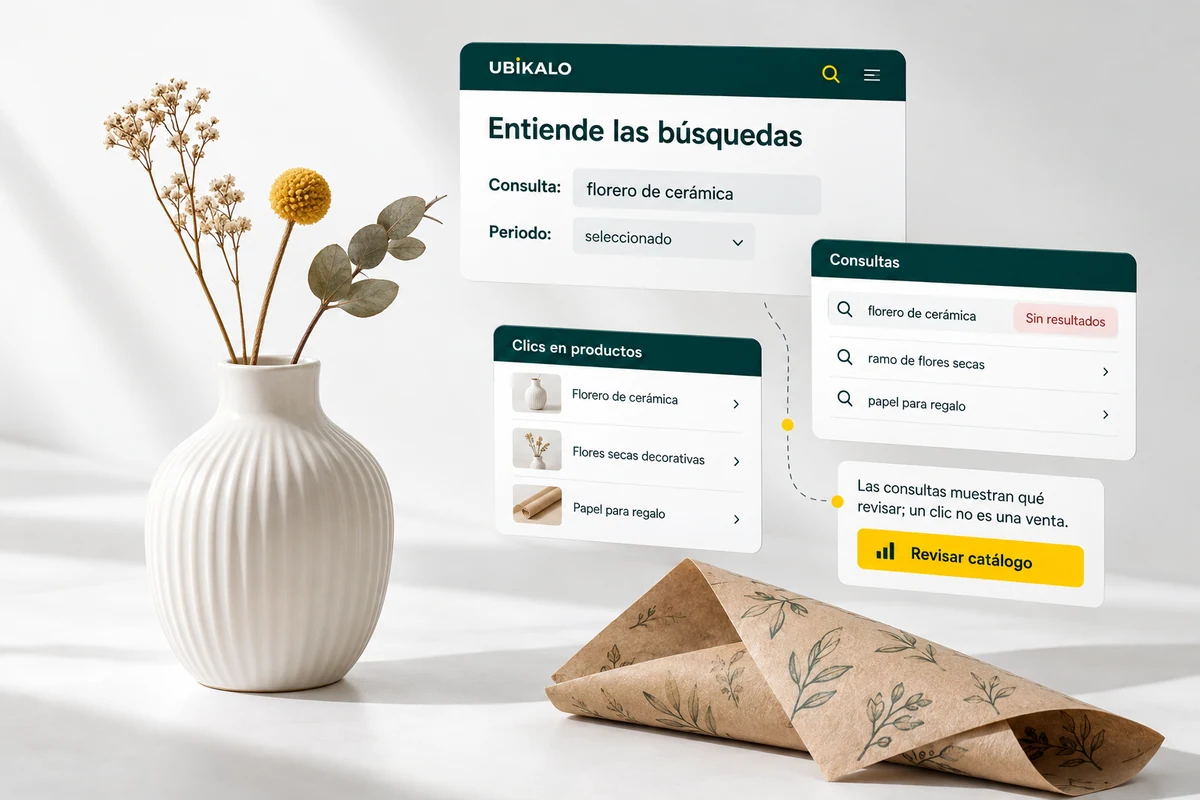
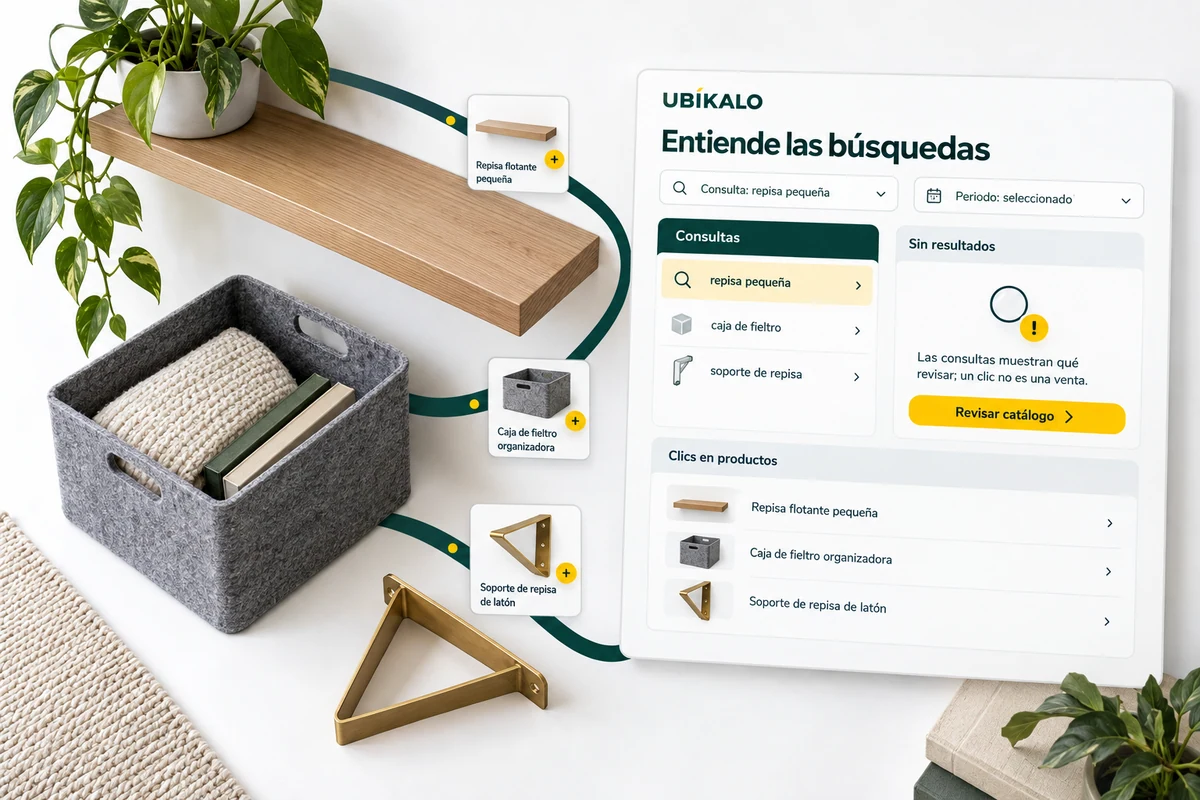
Distinguish a lack of product from a lack of information.
Search for the item directly in the catalog and check its inclusion in the index. Check name, category, attributes and availability. If it exists, an incomplete description or restriction may explain why it does not appear.
Contrast the client’s expression with the terms on the sheet. A synonym can help when there is a real equivalence; It should not be used to replace an absent product with another that does not satisfy the need.
- Check existence and indexing.
- Review terms and attributes.
- Isolate restrictive conditions.
A name that your catalog does not use
If several people search for a product with a colloquial term, check if the offer already exists under another name. Try an equivalency before deciding that you need to expand inventory. If the item really isn’t available, stick with that conclusion: don’t turn a lack of offer into a misleading recommendation.
Explanatory example; It does not consult your account or modify data.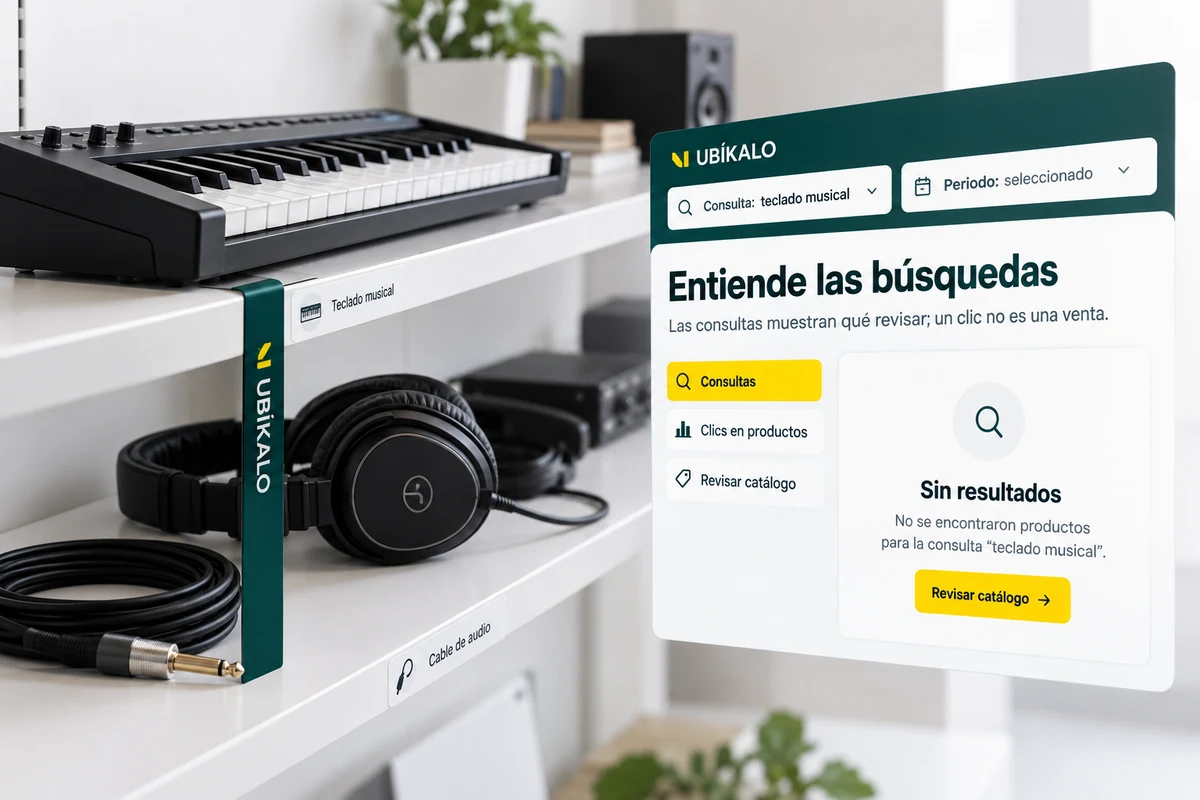
Turn the review into a testable adjustment.
Prioritize recurring queries and document the cause you find. Change one piece of information or rule at a time and run the search again before marking the matter as reviewed.
The revision mark organizes the work; It does not prove that sales increased. Return to the report at an appropriate time and see if visitors find options and can continue to the tabs.
- Document the cause.
- Repeat the query after the change.
- Check its evolution without fictitious attributions.
A tour that you can check.
- Select a recurring query with no results.
- Research data and restrictions.
- Correct the identified cause and test again.
Questions about queries without results
Does every empty query represent a lost sale?
No. It is a research signal, not a confirmed purchase or a proven recoverable amount.
Is it always resolved with synonyms?
No. The product, timing, or a required attribute may also be missing.
Does marking revised mean resolved?
It is a work brand. The improvement must be verified by a test and subsequent data.
See the actual steps and controls.
Settings depend on your account permission, integration, and scope. The guide documents how to locate options without confusing an illustration with a completed trade.
Open the corresponding guide →Take this experience to your business.
Review business options and scope before subscription.
Know the options →I already have an account