
Understand searches, clicks and opportunities
Turn real queries into catalog improvements and relevance.
Reviewed October 23, 2026 · Customer guide
Read about this screen’s controls →
Steps
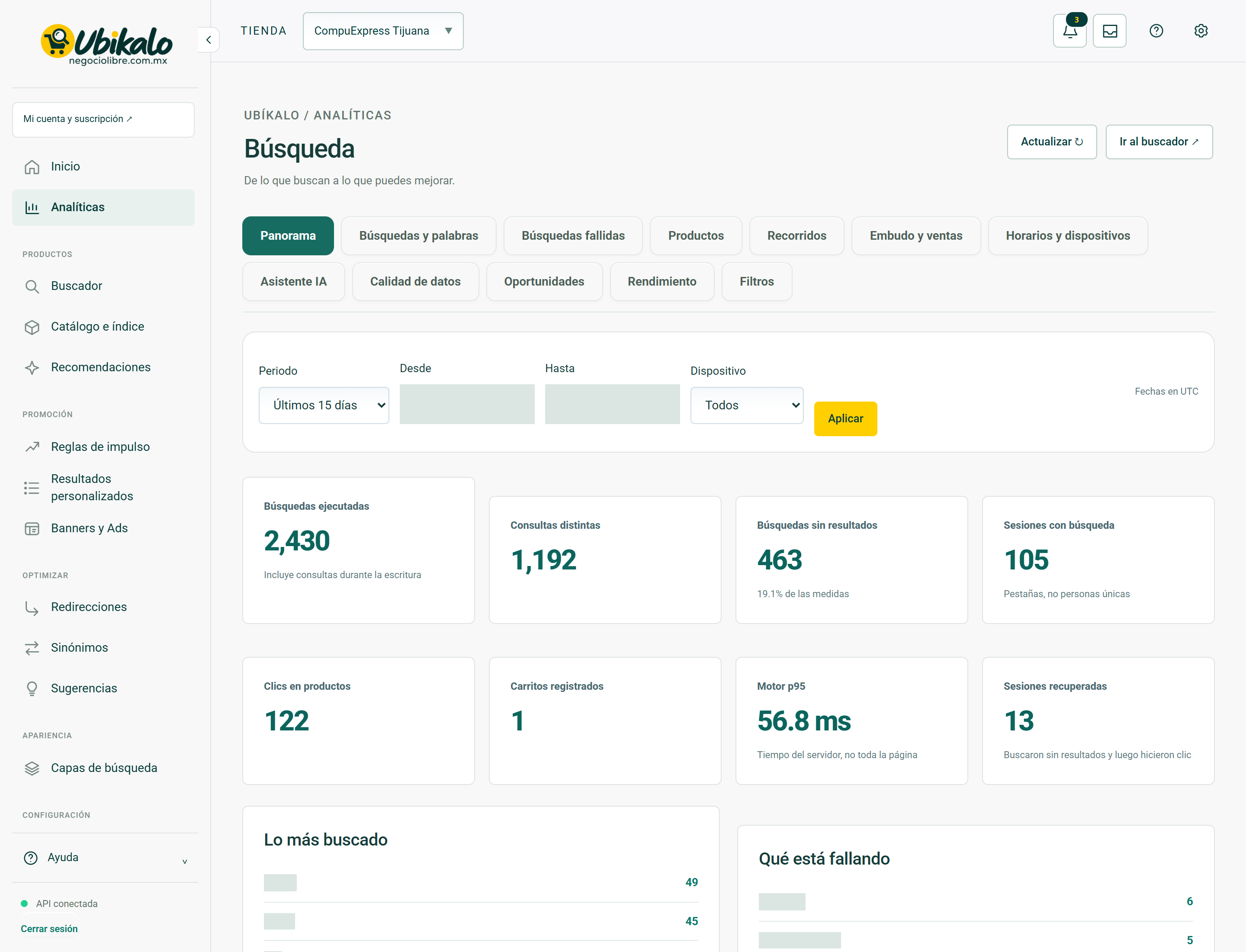
- Select store and period in Analytics. Check the time zone indicated in the report.
- Review frequently asked questions, searches without results, products and use of filters.
- Correct a specific cause and compare equivalent periods.
- Export the filtered set when you need to analyze it outside of the dashboard.
How to interpret
A session corresponds to an identified tab, not a unique person. A failed search may indicate an absence of product, bad information or lack of equivalence. Don’t add synonyms without checking what the buyer expected to find.
Temporal scope
Reports show preserved events. Expand dates does not reconstruct old deleted events or measurements from before they were added. Some reports use UTC: do not compare them with unadjusted local times.
Performance
Server latency does not represent the entire load on the site. Review the network, images and resources on the topic before attributing complete slowness to the engine.
How to verify it worked
An improvement is based on consultations and observed results, not only on variations in the total.