
Start with one store and a test you can verify.
Starting a search engine shouldn’t start with dozens of rules. Choose a store, prepare the catalog and check the most important queries. That foundation allows you to introduce filters, presentation and business decisions with a clear reference to what already works.
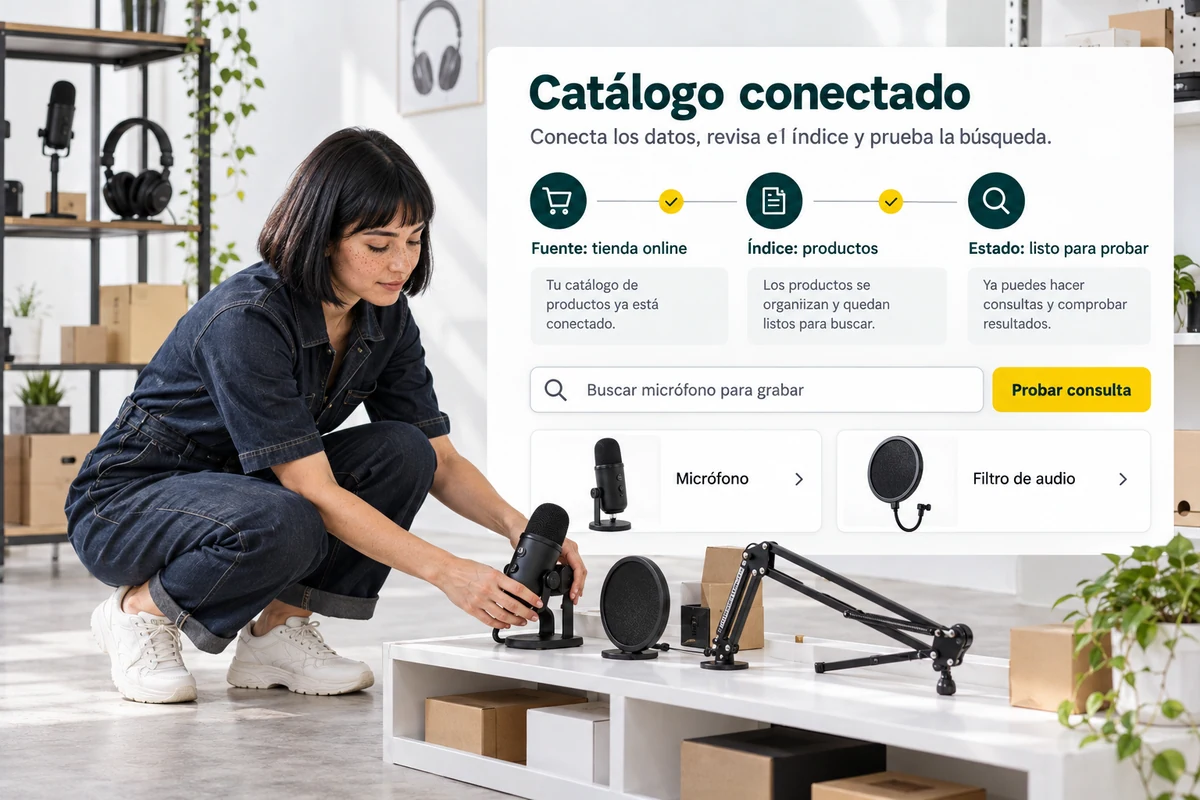
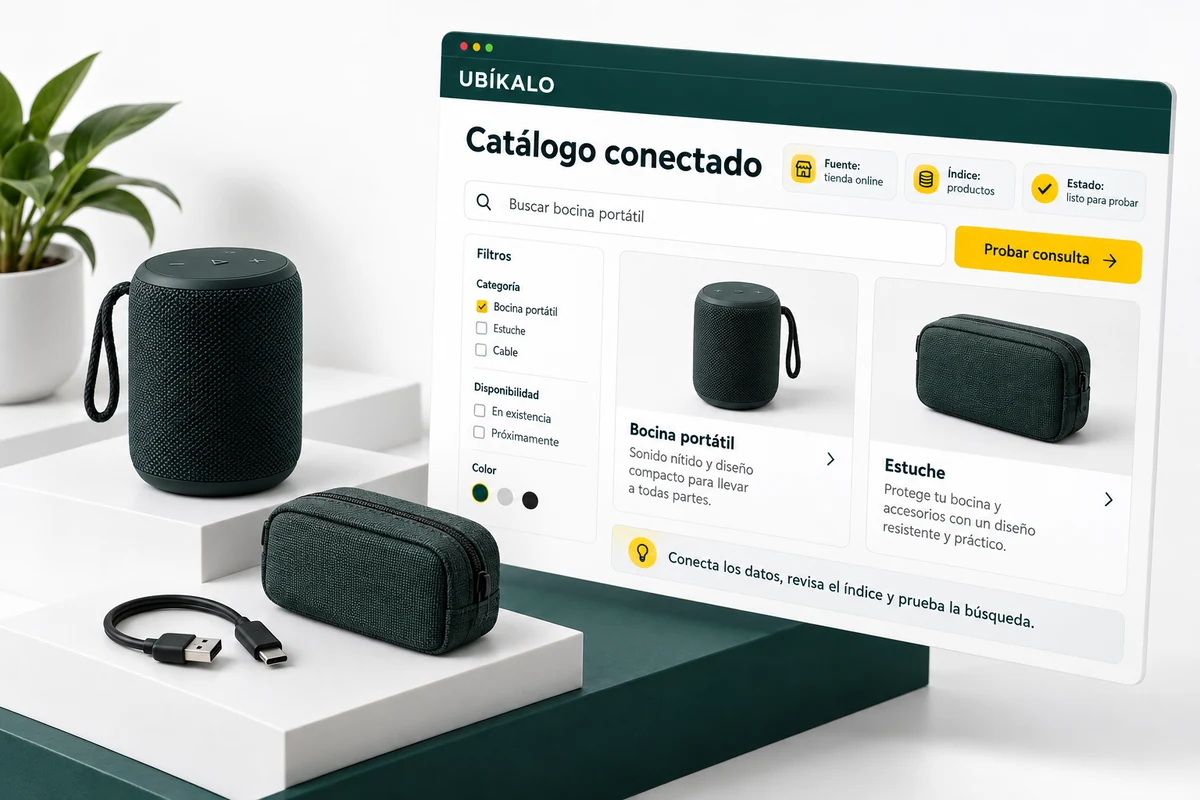
A first configuration with defined scope.
Identify who manages the account, which store you are going to connect and which products should be part of the index. Review the corresponding installation guide and the conditions of your plan.
Before setting up campaigns, prepare a sample of products with known names, prices, and links. This sample helps distinguish search settings integration issues.
- Define store and managers.
- Check integration and permissions.
- Prepare control products.
Your first checklist
It connects the catalog, checks five recognizable products, and runs a small set of real queries. Include a search that should not return options. Only then add business rules or new campaigns; This way you will have a basis to know what change produced each observed difference.
Explanatory example; It does not consult your account or modify data.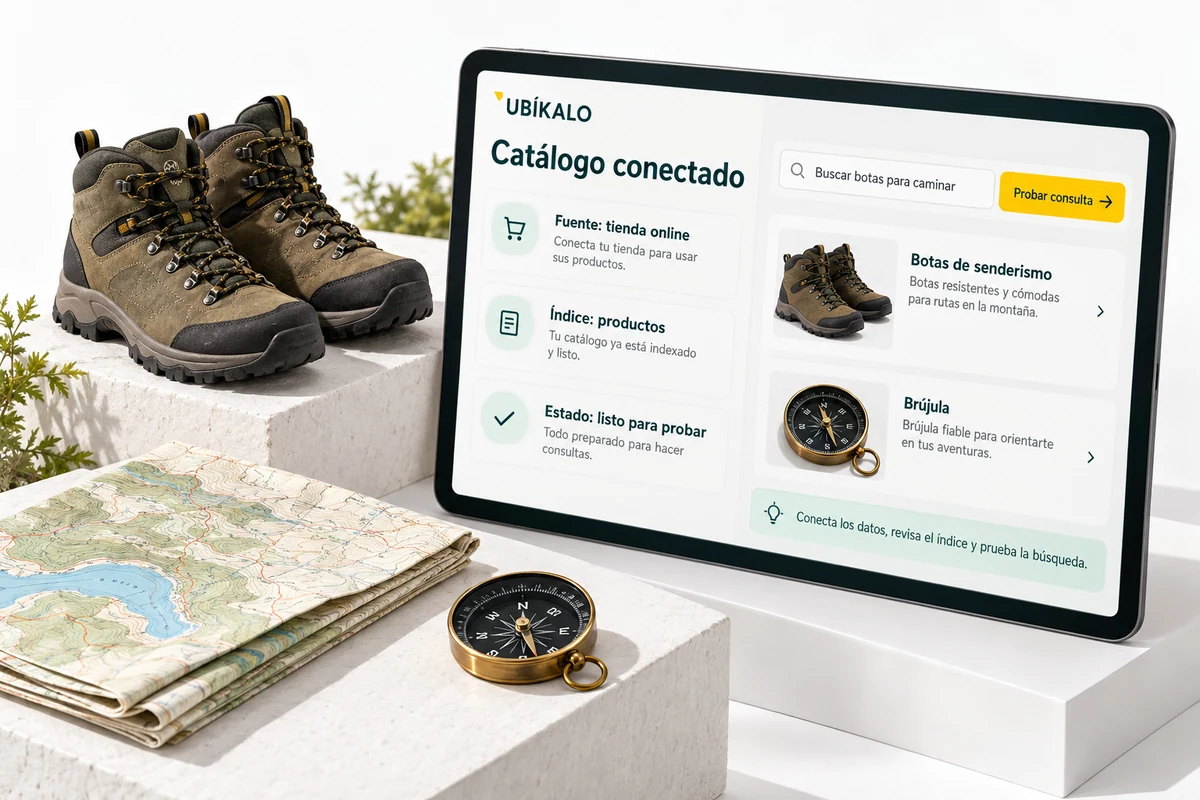
Post after trying the full tour.
Runs common queries, a name variant, a quote, and a case with no results. Check that the controls are understood and that each card opens the correct tab.
Repeat the test on mobile and desktop within your page. Then use analytics to prioritize improvements without losing the baseline configuration you just validated.
- Try different queries.
- Check product pages and devices.
- Introduce improvements one at a time.
A tour that you can check.
- Connect and verify the catalog.
- Try queries and presentation.
- Publish and review logged activity.
Questions about reviewing how to get started
Do I need to configure the entire panel at the beginning?
No. Prioritizes connection, data, main queries and access to product pages.
Do web demos change my store?
No. They are illustrative examples; the actual configurations are saved in the authenticated panel.
Where do I continue if something goes wrong?
Check the installation and troubleshooting guides before changing multiple settings at once.
See the actual steps and controls.
Settings depend on your account permission, integration, and scope. The guide documents how to locate options without confusing an illustration with a completed trade.
Open the corresponding guide →Take this experience to your business.
Review business options and scope before subscription.
Know the options →I already have an account