Drive with a commercial reason
Highlight strategic products using rules you can review and adjust. Promotion accompanies search; You should not ignore mandatory conditions such as the visitor’s budget.

Give commercial intent to your search engine. Combine boost rules, personalized results and promotional spaces without losing control of context.

The order of the products also communicates a business decision. You can give visibility to a collection, support a launch or accompany a campaign, always within the context of the search. The goal is to present a relevant offer, not to fill a query that needs an answer with ads.
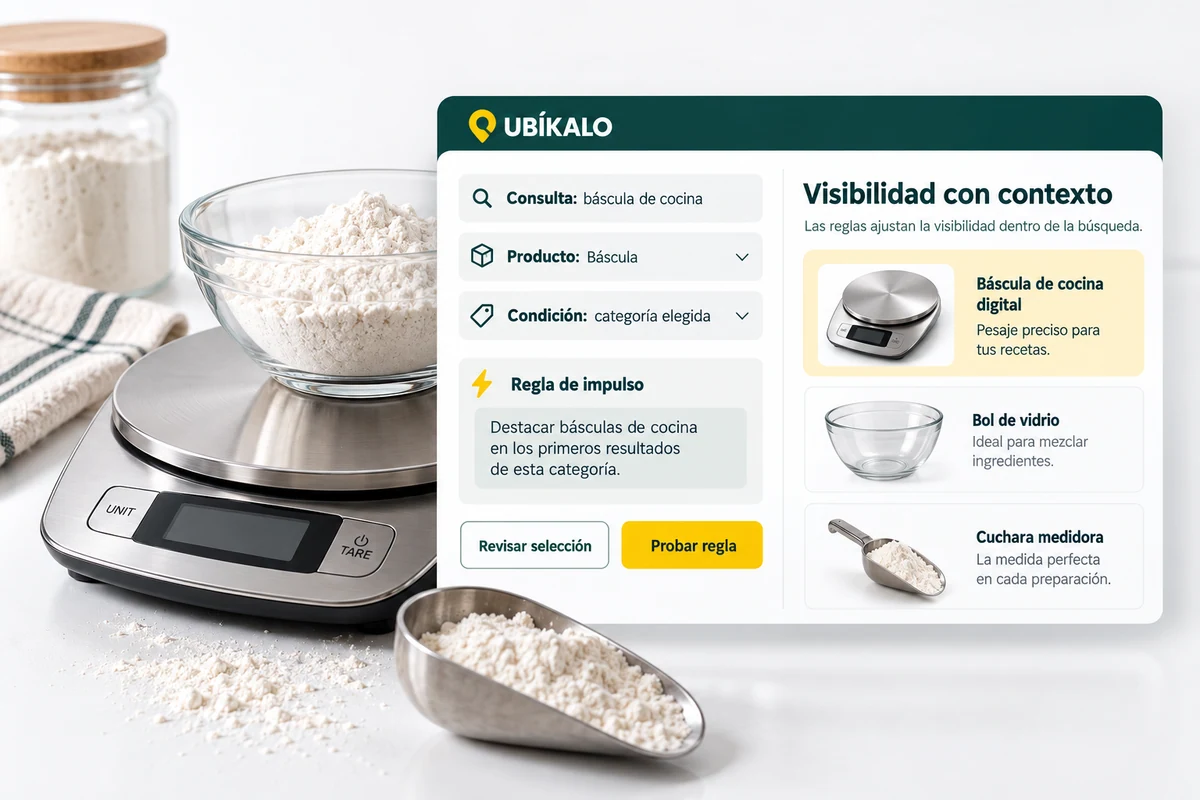
Search engine merchandising organizes the display of items with a business objective. Before creating a rule, define what you want to highlight, what queries it makes sense for, and what conditions it must respect. A useful impulse is still related to what the person asked for.
If the visitor limits their budget or selects a category, the promotion should not turn an incompatible option into an apparent recommendation. Test the rule with broad and specific queries, review the product position, and confirm that the listing and destination are still correct.
Commercial priority does not change the price, stock or sales conditions of a product.
Use the selector to explore this example. Your business settings are managed from the authenticated panel.
Illustrative demonstration with fictitious data. You don’t look at an actual catalog or make calls to an AI vendor.
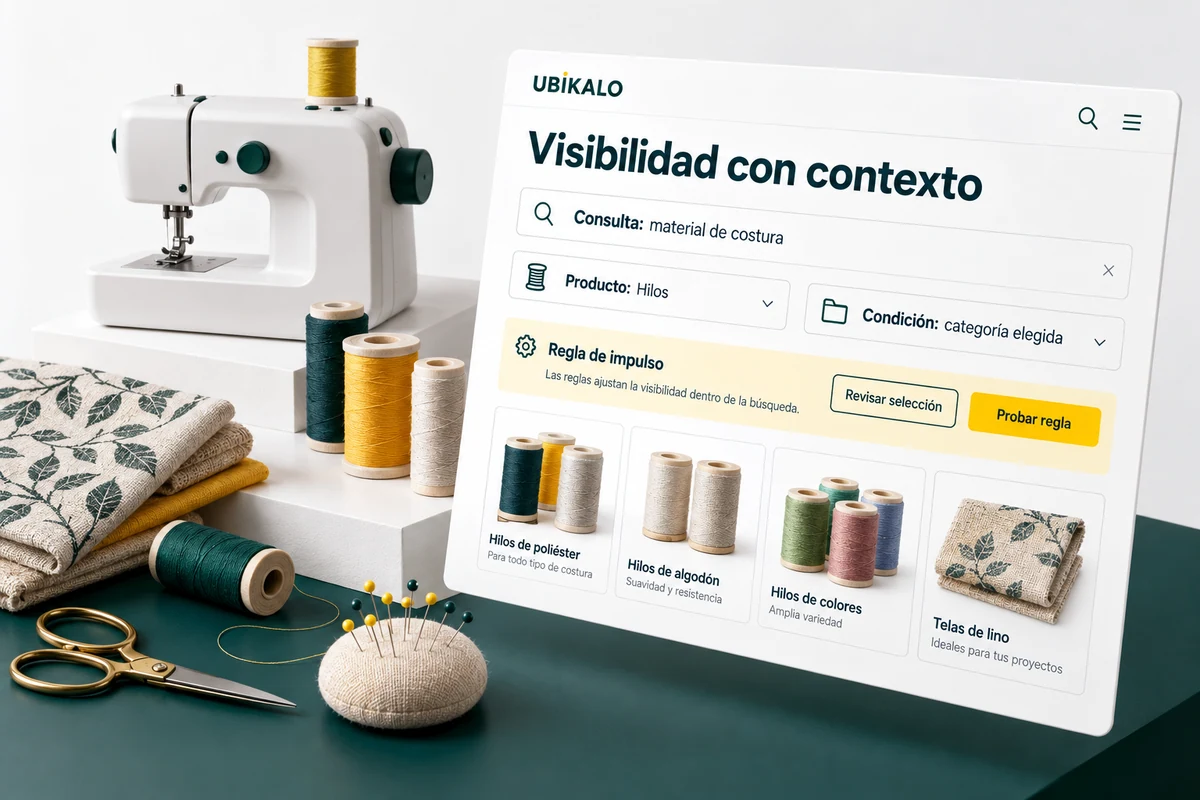
A campaign needs more than an eye-catching image. The message must explain the selection, the button must open a consistent destination, and the advertised items must be available. Promotional spaces and personalized results help build that journey from your dashboard tools.
Review the piece on mobile and desktop. Check that you understand which collection it leads to and that the click works. Then compare the activity recorded in a comparable period: exposure and clicks help gauge interest, but do not automatically equate to orders or revenue.
No conversion increases are promised. The answer depends on the catalog, the offer and the operation of each store.
Highlight strategic products using rules you can review and adjust. Promotion accompanies search; You should not ignore mandatory conditions such as the visitor’s budget.
Banners and personalized results allow you to draw attention to a relevant selection. Prepare the message, destination and validity from the tools available in your panel.
Check how the campaign is presented and compare its performance with searches and clicks. Greater visibility alone does not equal a sale.
It is the commercial management of the exhibition of products within the search: impulse rules, selections and promotional spaces linked to what the visitor is looking for.
No. Highlighting an item and changing its price are different operations. The price comes from the connected catalog.
You can organize a campaign with the tools available in your dashboard, reviewing the selection, the destination link and its relevance to the query.
Check your presentation and contrast searches and clicks in comparable periods. To talk about sales, also review orders and the attribution rules of your integration.
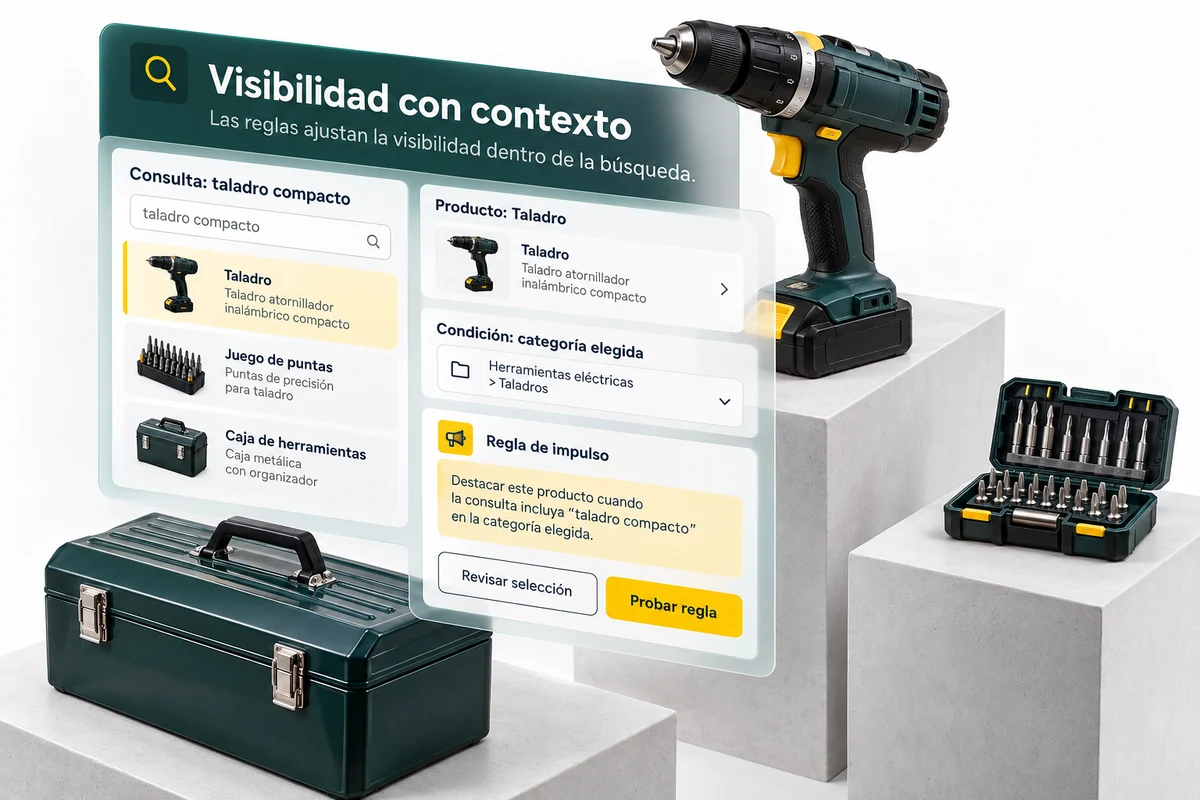
Your visitors don’t speak in catalog codes. Help them explore for what they need, with a search experience connected to your products.
Explore solution →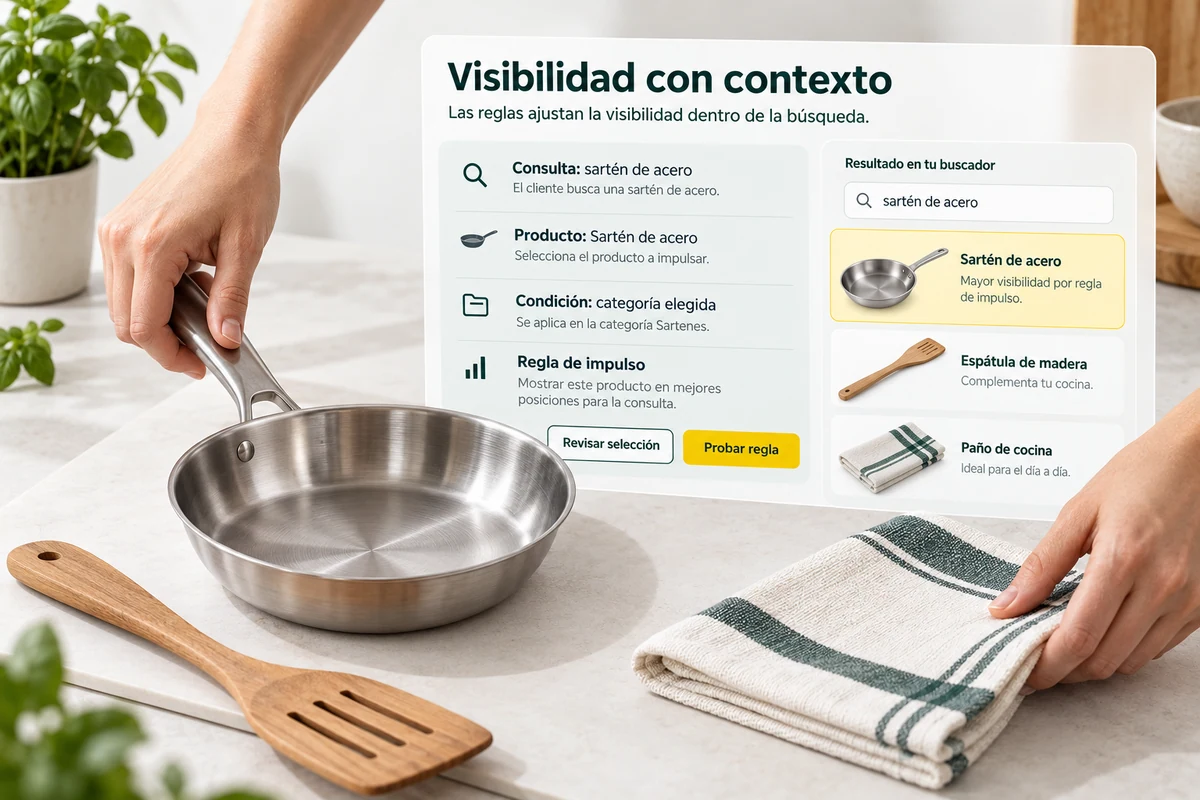
Identify what they search for, where they click, and what queries need attention. Convert search engine activity into decisions about content, catalog and campaigns.
Explore solution →Review the trading options and scope available for your account.
Know the options →I already have an account