
A clear budget. A selection that makes sense.
A customer looking for a computer for less than 10,000 pesos is not asking for just any computer. The price is part of your decision. The search engine filters allow you to narrow down the offer and help compare products within the available conditions, without converting each adjustment into a new search.

In a catalog addressed to Mexico, identify if the amounts are in MXN. A quote written in pesos must be contrasted with the real currency of each product.
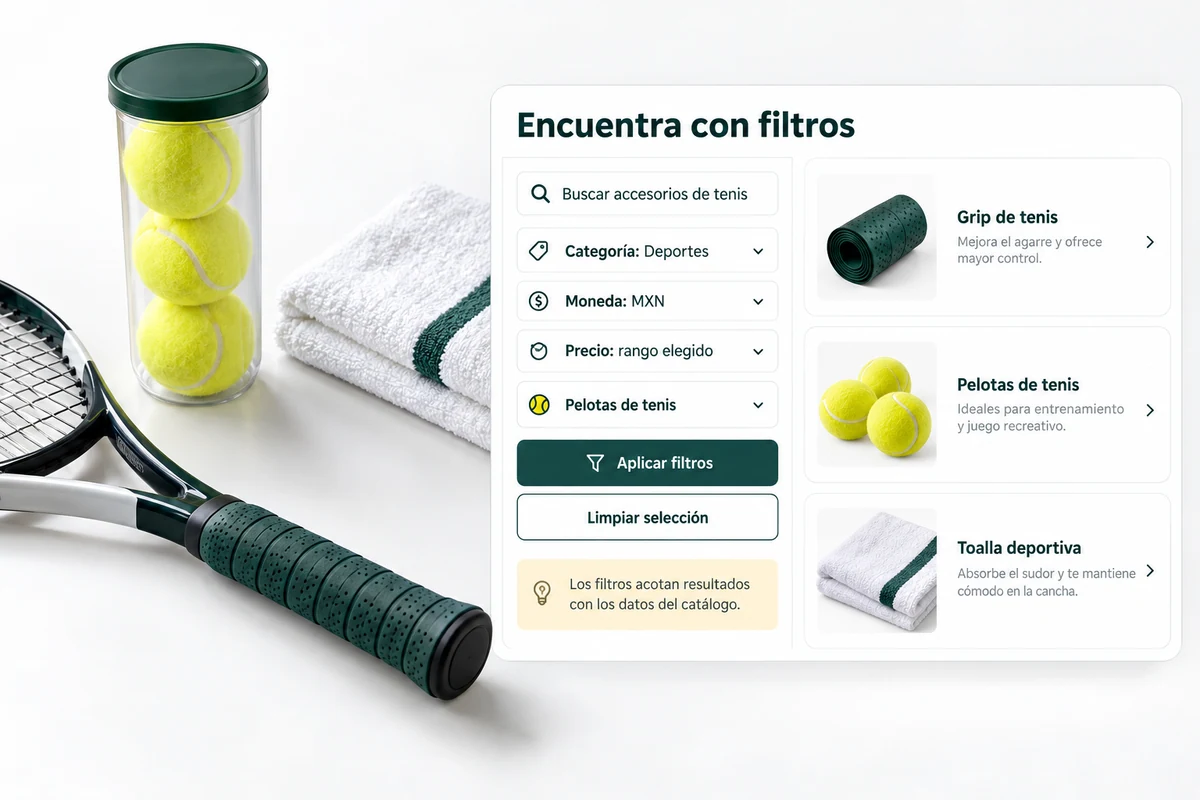
Filter by price without losing context.
The query and filters work on the connected catalog. Check that the price used corresponds to the product and that the categories and attributes allow you to separate the options. Incomplete information on a listing limits the accuracy of any selection.
Make active criteria visible so the visitor knows why they see those results. When you want to expand your budget or change categories, you must be able to recognize which condition you are changing.
- Check indexed and current prices.
- Check categories and attributes.
- Try the combination of query and filters.
A laptop for studying, up to $10,000
First, the category and price limit are identified. The available options are then compared. If none exists, check the catalog and the condition applied; Don’t present a more expensive laptop as if it fits the budget. The illustrative query explains the route, it does not guarantee that all its expressions are compatible with any catalog.
Explanatory example; It does not consult your account or modify data.
Fewer options doesn’t always mean a better answer.
A filter that is too restrictive can leave the list empty even if similar products exist. Before removing a condition, identify which one causes the limit. Respecting the budget is different from suggesting an alternative outside of it.
Try cases with many results, few and none. Also check that clearing the criteria allows for rescanning, and review the mobile experience, where each control needs space and an understandable label.
- Distinguish a condition from a preference.
- Check status with no results.
- Check usage from your phone.
A tour that you can check.
- Select a regular consultation with a quote.
- Contrast the products with their specifications and prices.
- Adjust a criterion and check the new selection.
Filter and Budget Questions
Do filters correct wrong prices?
No. The price must be correct at the source and reach the index. A filter is not a substitute for updating the catalog.
Can I combine category and price?
Use the filters available for your integration and check the combination with real products from the store.
What happens if there are no options?
Review the criteria and indexed data before expanding your selection. Do not hide that an alternative is outside the requested condition.
See the actual steps and controls.
Settings depend on your account permission, integration, and scope. The guide documents how to locate options without confusing an illustration with a completed trade.
Open the corresponding guide →Take this experience to your business.
Review business options and scope before subscription.
Know the options →I already have an account