The need, before the exact word
A sentence can contain a product, a budget and a preference. UBÍKALO interprets the expressions compatible with its engine and transforms them into search criteria on the connected catalog.

Your visitors don’t speak in catalog codes. Help them explore for what they need, with a search experience connected to your products.
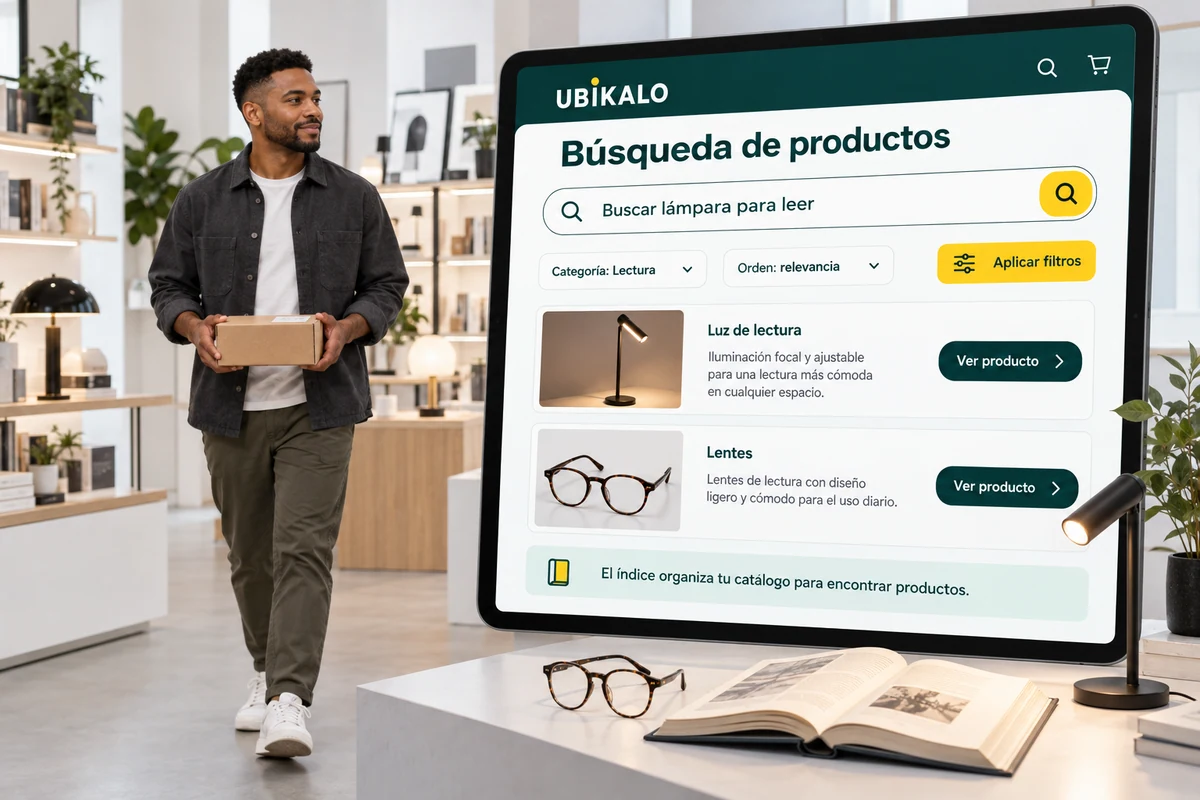
For buyers in Mexico, try consultations in Spanish and quotes in Mexican pesos. The results must respect the data and currency of the connected catalog.
Searching should not require knowing the exact name of each item. A visitor can arrive with a need, a category or a price limit. Your store’s search engine has to convert those clues into an understandable selection, without removing the person from the catalog.
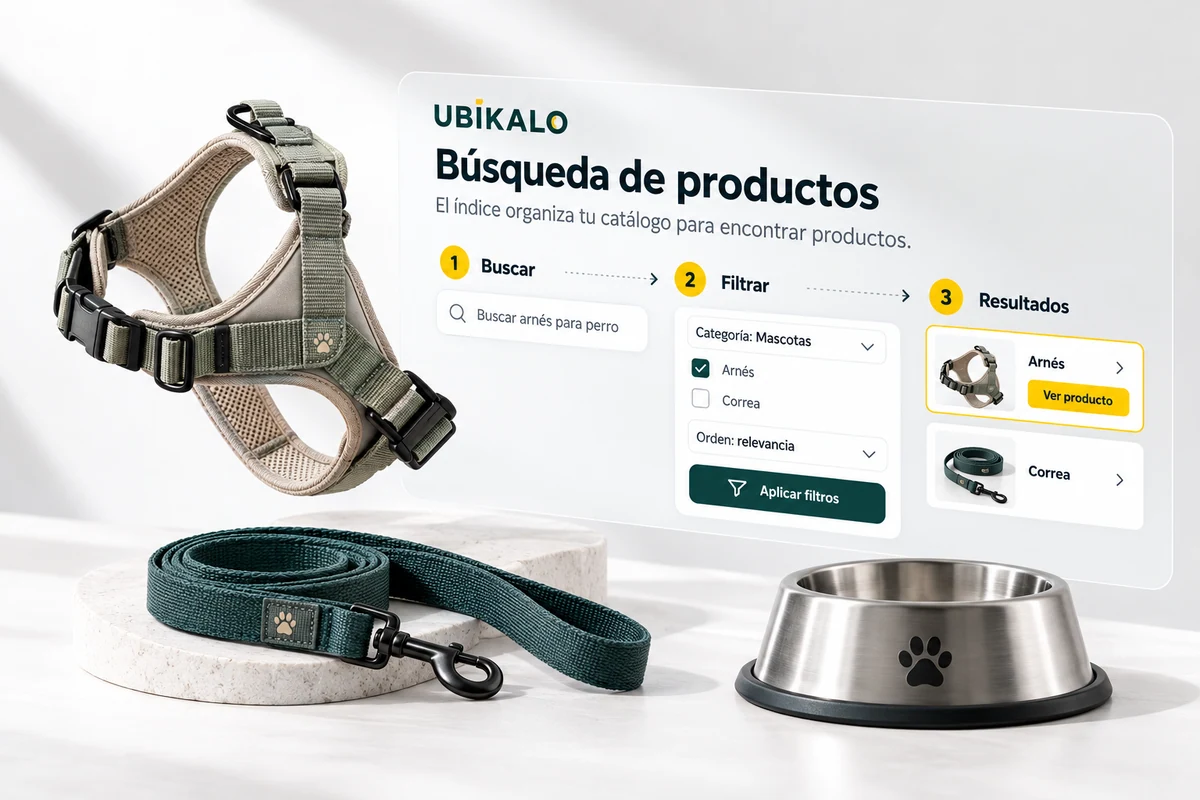
A query like "a laptop for studying for less than 10,000 pesos" mixes the product, the use and the budget. Not all of these elements are equivalent: price should function as a condition, while usage helps guide relevance between available products.
The visitor also needs to be able to adjust their search. Filters by price, category, and catalog attributes allow you to continue browsing without writing another query from scratch. A clear experience makes the applied criteria visible and maintains an outlet to expand or clean them.
Test common expressions of your clients and verify both the results and the conditions applied.
Use the selector to explore this example. Your business settings are managed from the authenticated panel.
Illustrative demonstration with fictitious data. You don’t look at an actual catalog or make calls to an AI vendor.
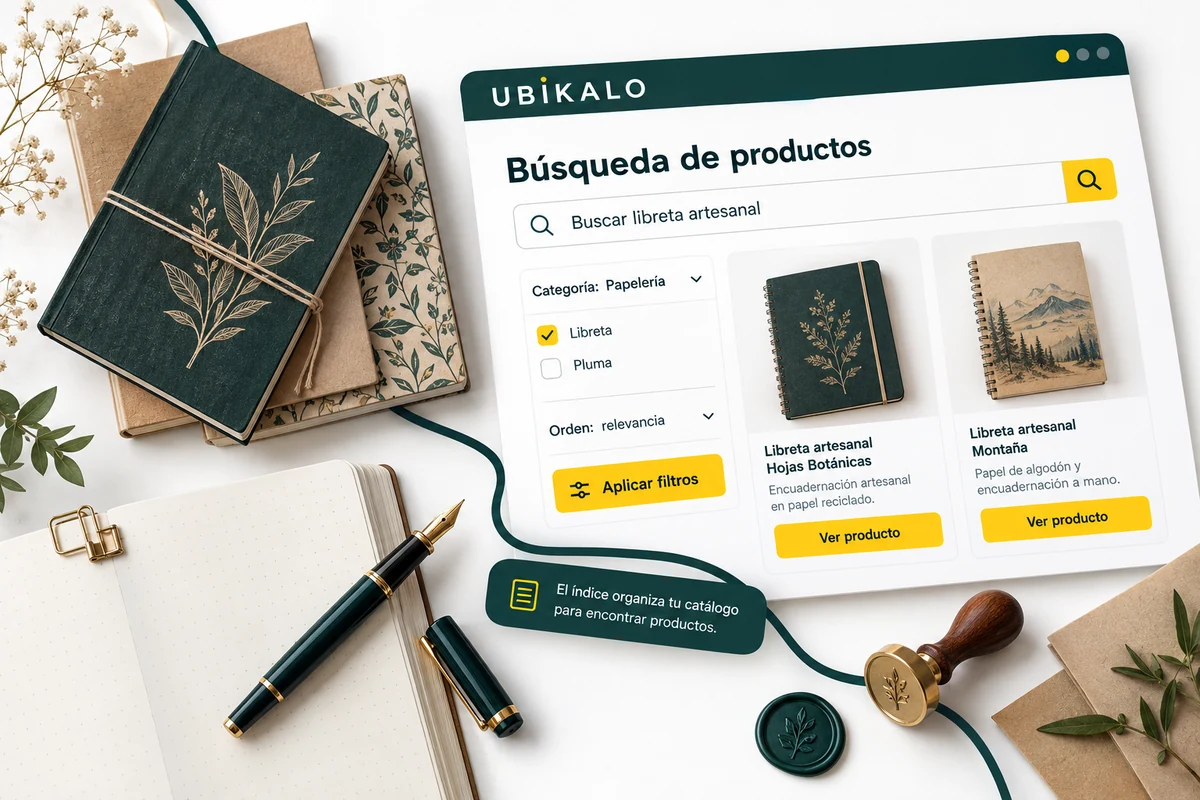
A search engine for an online store needs a reliable source. The names, descriptions, categories, prices, and attributes of your listings determine what you can retrieve and how you can present each item. That’s why connecting the catalog is the starting point, not a secondary step.
In WooCommerce, review the integration and synchronization of authorized products. If you change a token, confirm that the change reached the index. If a major search does not find options, first check if the product exists, how it is described, and what restrictions are being used before adding a business rule.
The product finder and the conversational assistant are different experiences. This page explains the catalog search.
A sentence can contain a product, a budget and a preference. UBÍKALO interprets the expressions compatible with its engine and transforms them into search criteria on the connected catalog.
Price, category and the available attributes allow you to narrow down results without forcing the visitor to start over. The quality of these filters depends on the data of each product.
The results must correspond to indexed products. Keep prices, availability and attributes updated from your integration; The search engine does not replace your inventory.
It is an internal search that uses catalog information and criteria supported by your engine to help locate relevant products. In UBÍKALO you can combine the query with the available filters.
Test supported price expressions and filters with your catalog. Verify that the options shown respect the condition and that the prices are up to date.
There is a connector for WooCommerce. Installation, permissions, and synchronization should be reviewed before using the catalog in production.
No. The store retains its products and inventory; The search engine uses the indexed information to make it easier for visitors to find it.
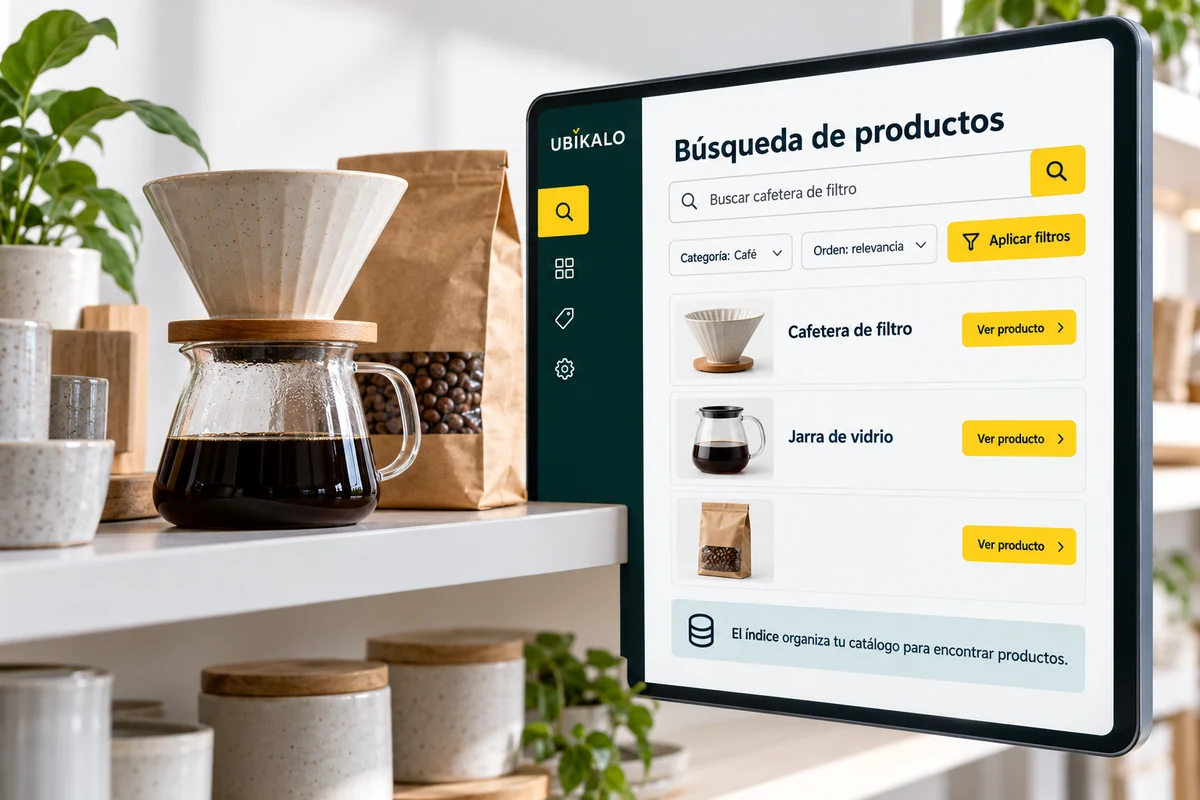
Give commercial intent to your search engine. Combine boost rules, personalized results and promotional spaces without losing control of context.
Explore solution →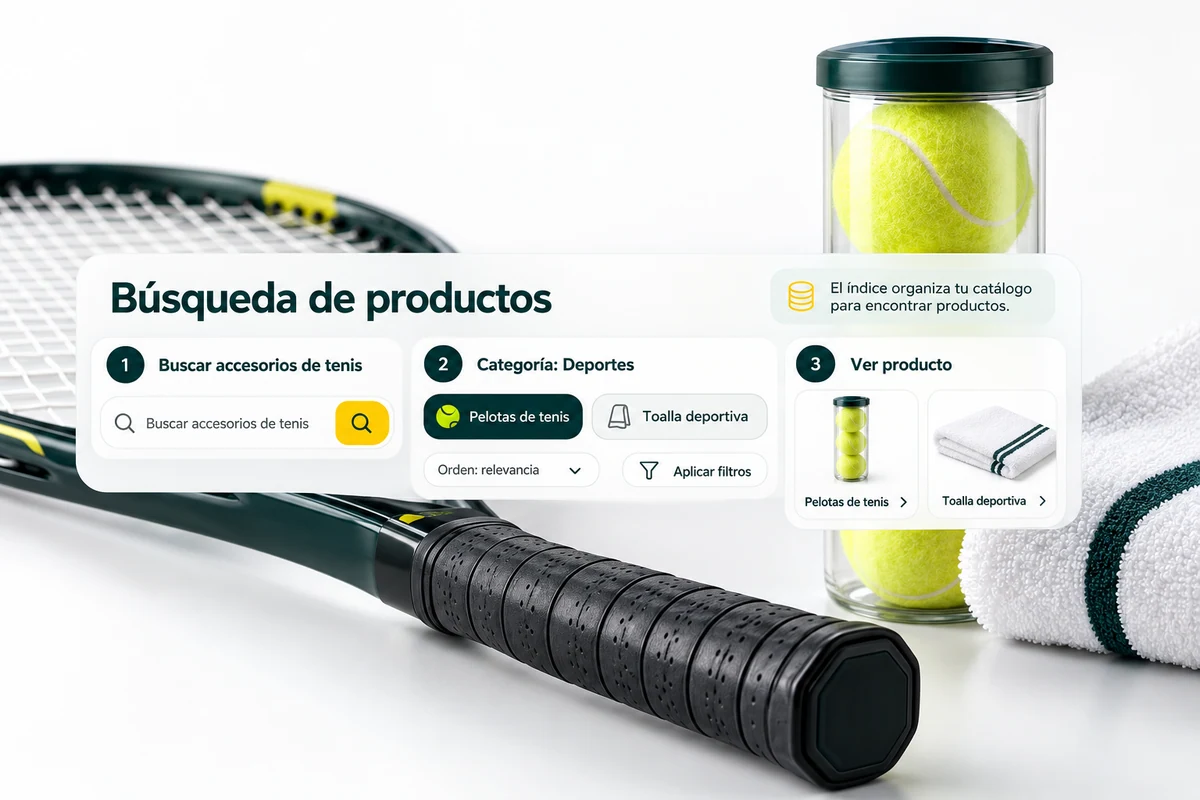
Identify what they search for, where they click, and what queries need attention. Convert search engine activity into decisions about content, catalog and campaigns.
Explore solution →Review the trading options and scope available for your account.
Know the options →I already have an account