
Your catalog, ready to be found.
The search begins before anyone writes. Products need consistent identifiers, names, links, and attributes to be part of the index. Keeping this information connected allows you to investigate the differences between what your store sells and what the search engine can retrieve and display.
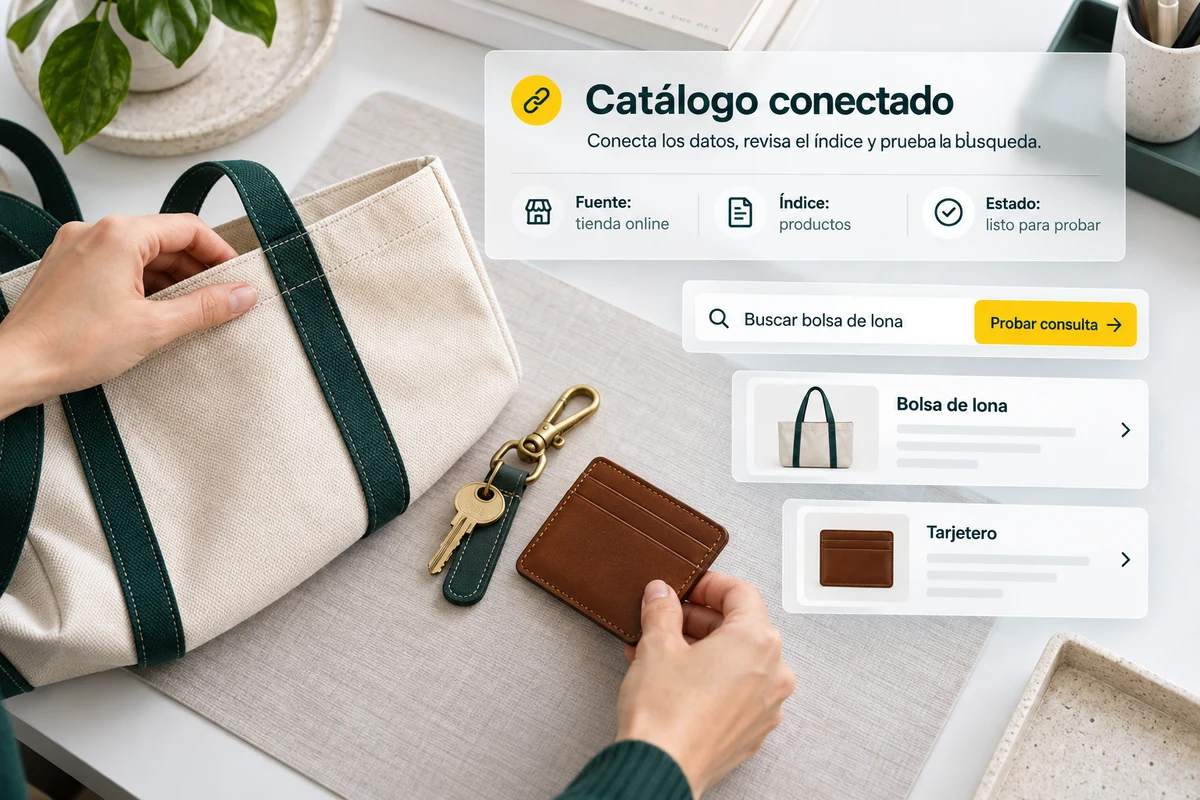
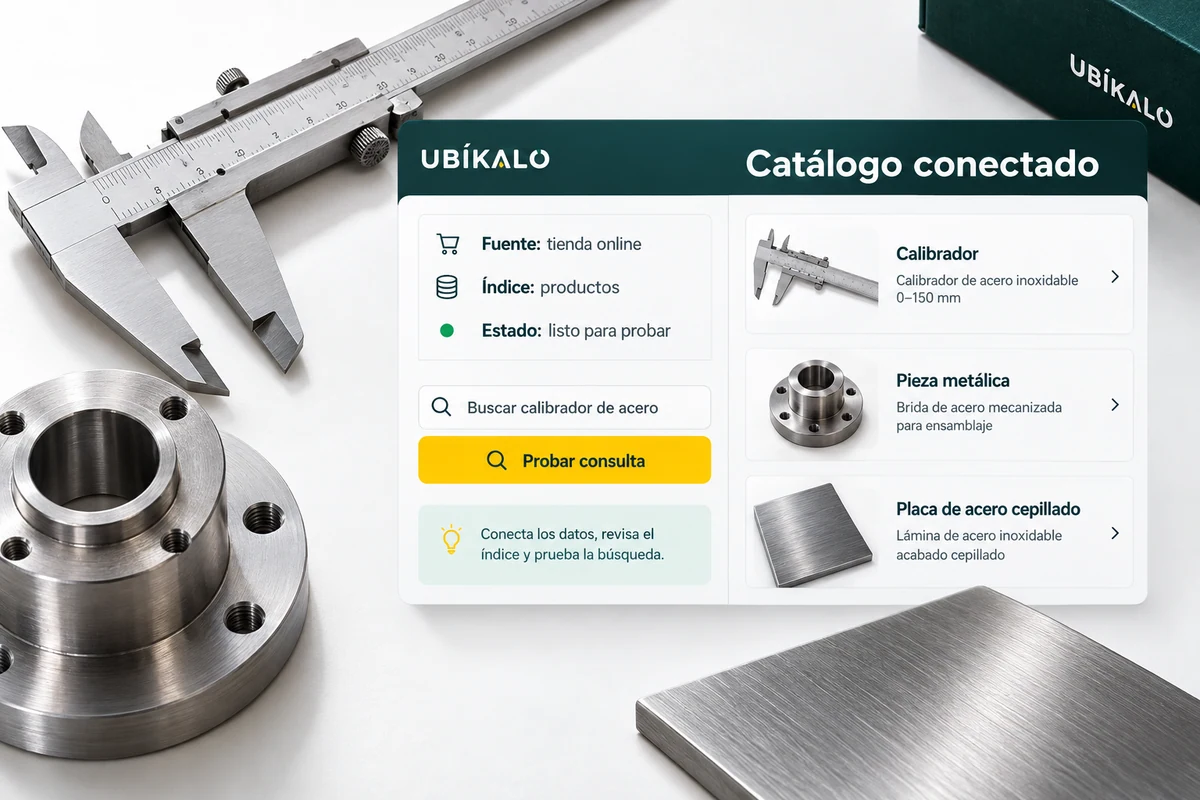
La tienda es la fuente. The index organizes the search.
The source catalog retains business data. The index prepares that information for retrieval through queries and filters. If a product does not appear, first check that it was included in the connection and that its data arrived correctly.
Review identifiers, links and categories to avoid confusing variants or publishing incorrect destinations. An attractive name does not compensate for a broken URL or a price that no longer corresponds to the listing.
- Check authorized products.
- Check links and identifiers.
- Contrast attributes with the origin.
A token changed category
If a backpack moves to a different category in your store, check the sync and search for it again using the old and new filters. The check helps distinguish an old classification from a query problem. Do the same when they change the name, link, or price of an important product.
Explanatory example; It does not consult your account or modify data.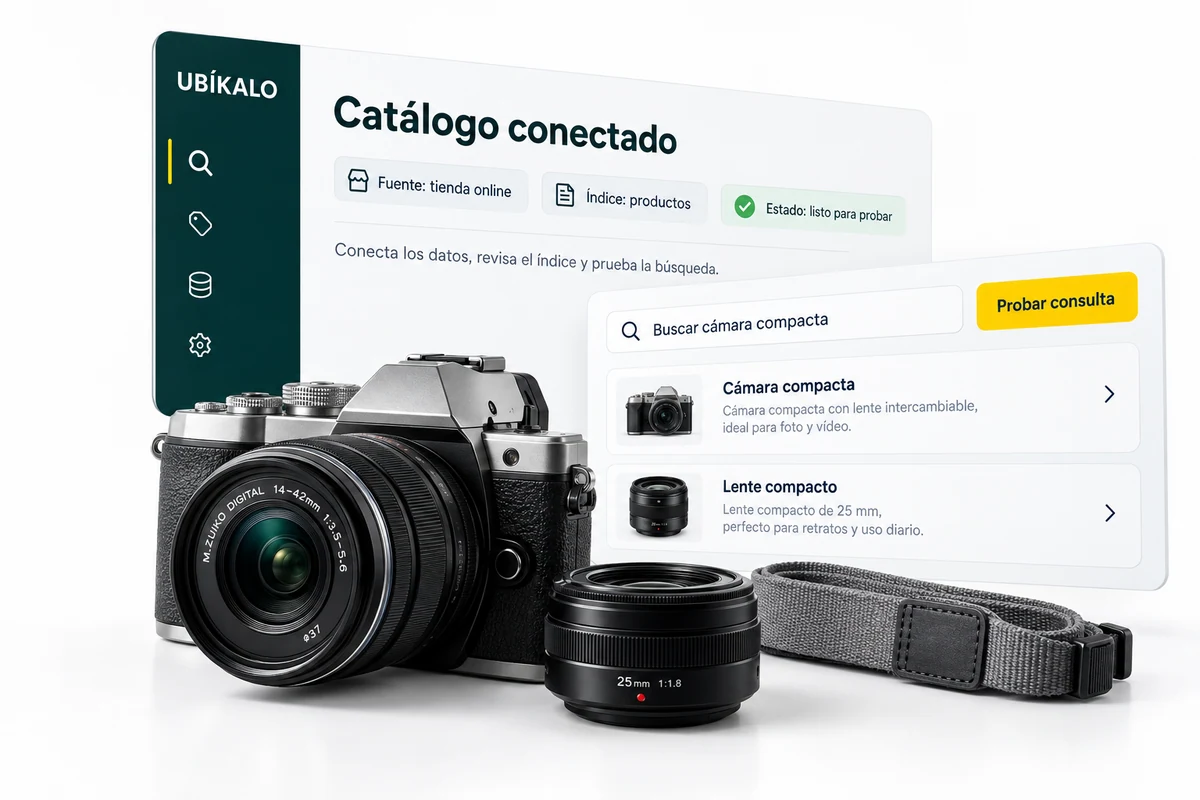
Syncing also means checking.
After updating a listing, confirm that the change appears in the index and results. Check the status of the integration before interpreting a difference as a relevance failure.
Test highs, swings and lows with a small, recognizable selection. Save a list of control products to review the catalog after important moves, connection changes or a new store configuration.
- Includes control products.
- Check registrations and updates.
- Check withdrawals and availability.
A tour that you can check.
- Connect the catalog with the necessary permissions.
- Select representative products.
- Contrast your product pages and results after synchronizing.
Questions about catalog and index
Does the index replace WooCommerce?
No. Organize data to search; The store maintains its products and its commercial operation.
Why is a product missing?
Review their inclusion, status, data, and synchronization before modifying order rules.
What data should be reviewed first?
Identifier, name, link, price, category and the attributes used by the search.
See the actual steps and controls.
Settings depend on your account permission, integration, and scope. The guide documents how to locate options without confusing an illustration with a completed trade.
Open the corresponding guide →Take this experience to your business.
Review business options and scope before subscription.
Know the options →I already have an account