
Understand your search engine’s usage and where it is concentrated.
Consumption allows you to review the activity and quota of your company without confusing it with analytics of commercial interest. A search, suggestion or recommendation may be part of the registered use. Check the period and scope of your account before interpreting the numbers.
Technical activity and customer behavior are not the same.
The dashboard distinguishes the use of queries and analytical logging. Searches while typing can produce additional activity, so a total of queries does not necessarily represent unique people or sessions.
Review the breakdowns available by store and period. In the current scope, the consultation quota is shared at the company level; API calls have their own record and should not be added as additional quota without reviewing the report definition.
- Check company and store.
- Check the period used.
- Distinguishes queries, sessions and API calls.
Several stores in one company
A company can consult the distribution registered between its stores without converting each one into a separate budget by default. Review the scope shown in your account and the beginning of the historical detail: a previous record without classification should not be arbitrarily attributed to a specific store.
Explanatory example; It does not consult your account or modify data.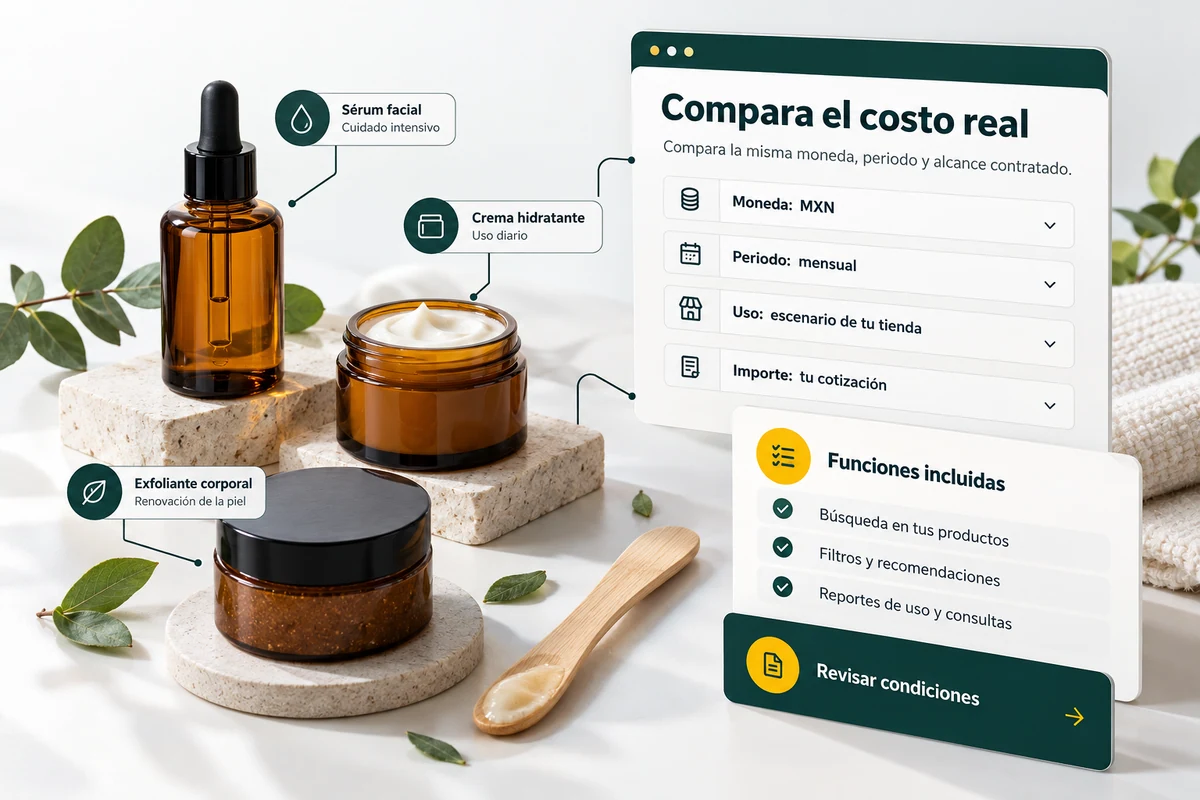
Plan with data from your own operation.
Compare similar periods and review traffic or integration changes that may explain a variation. A new search engine location or a change in suggestions may change activity without representing the same number of new visitors.
Before adding capacity, check the plan and limits that appear in your account. This page does not set amounts or universal commercial quotas: the available conditions correspond to the subscription and the authorized scope.
- Investigate integration changes.
- Compare equivalent periods.
- Check capacity before expanding.
A tour that you can check.
- Open Consumption in your authorized account.
- Select period and available breakdown.
- Contrast activity and contracted capacity.
Questions about use and consumption
Does consumption count people?
No. Technical consultations and sessions represent different concepts.
Is the quota per store?
Review the scope of the plan. The current panel includes queries shared between a company’s stores.
Can I see AI provider pricing here?
Search engine consumption and the internal supplier budget are different concepts. Administration controls provider settings.
See the actual steps and controls.
Settings depend on your account permission, integration, and scope. The guide documents how to locate options without confusing an illustration with a completed trade.
Open the corresponding guide →Take this experience to your business.
Review business options and scope before subscription.
Know the options →I already have an account