
From ‘I need something like this’ to a product page worth opening.
Finding products is a journey, not an isolated text field. The visitor expresses a need, reduces options and compares information before opening a product page. Design that journey with a prepared catalog and queries that represent the real way your customers shop.
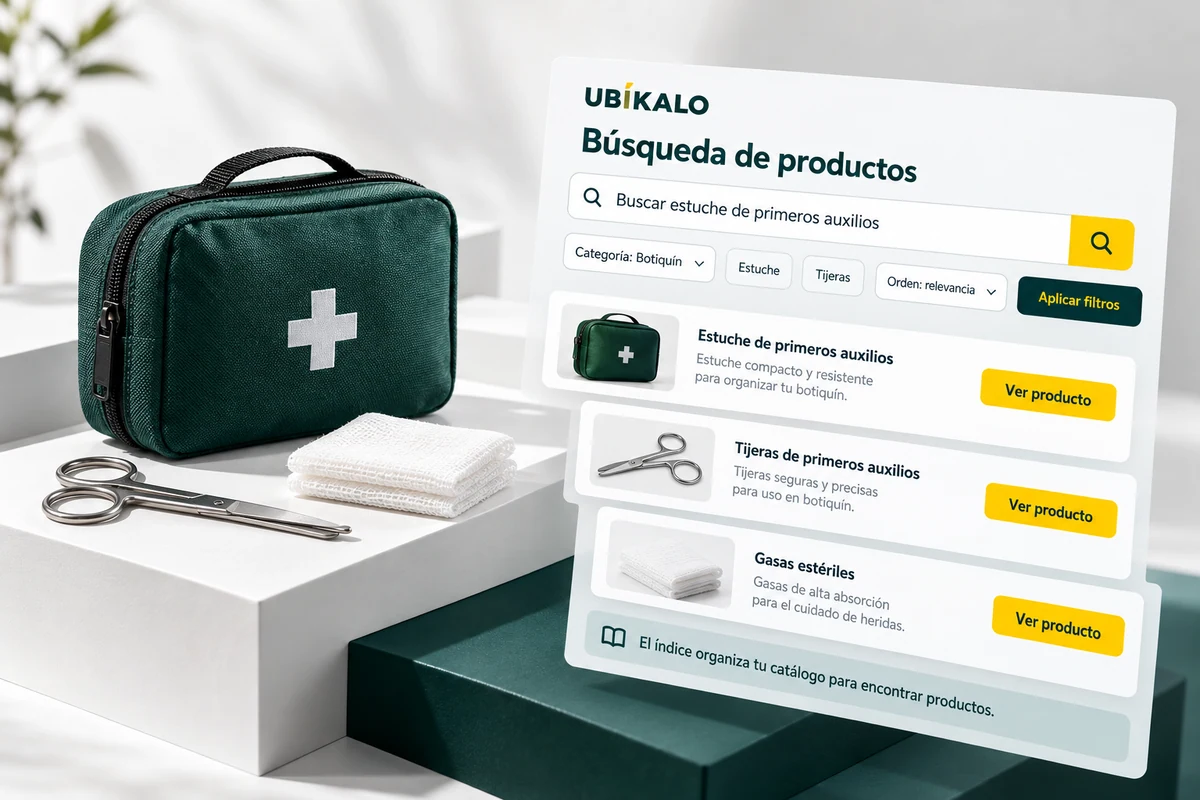
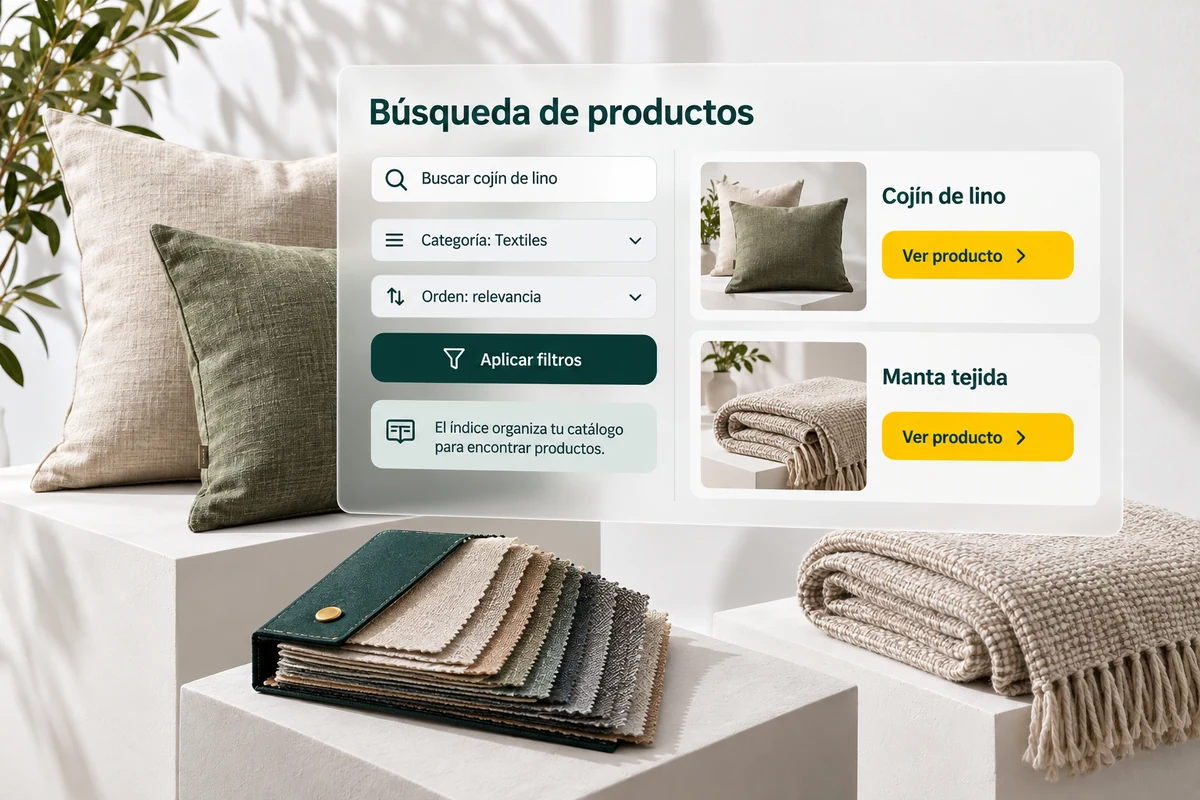
Start with your buyers’ questions.
It brings together customer service expressions, frequently searched and important categories. Separate the name of the product, its requirements and preferences. This way you can check which parts of the query the engine supports and what data is missing from the tabs.
Don’t design the test with just one demonstration sentence. Includes name variants, quotes, codes, and searches that should find nothing.
- Includes real needs.
- Test names and conditions.
- Also check empty cases.
A computer to study
The visitor can start with a need and end up comparing two equipment within his budget. Your task is to prepare the data and verify the selection, not force him to know the internal classification of the store. If the offer does not cover the requirement, the experience should allow the condition to be reviewed clearly.
Explanatory example; It does not consult your account or modify data.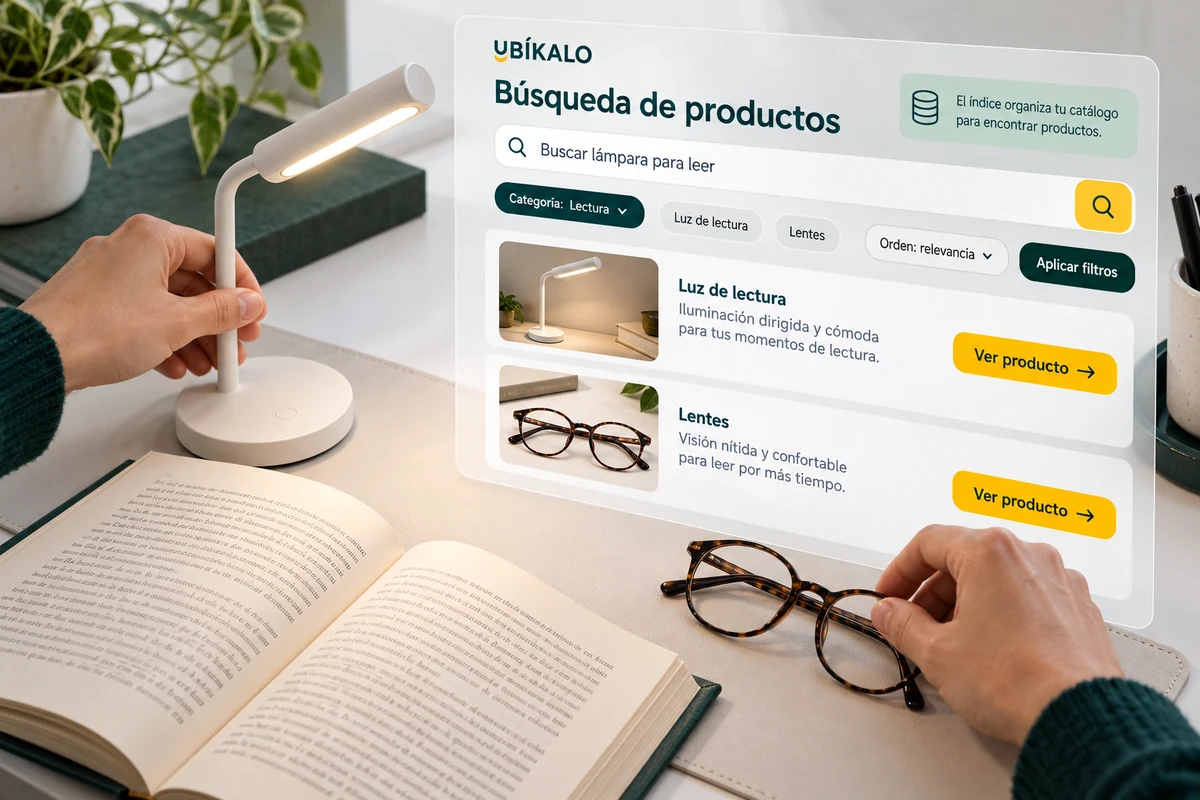
Helps compare before the next click.
The results need recognizable images, useful titles, price and correct access to the product. The available filters allow you to narrow the selection when the catalog has sufficient attributes.
An open token is not equivalent to a purchase. Verify that the visitor arrives at the expected product and use analytics to investigate where the exploration is interrupted, without attributing revenue that has not been recorded.
- Review the information on each card.
- Keep filters understandable.
- Check access to the product page.
A tour that you can check.
- Defines a set of purchasing queries.
- Prepare relevant catalog and filters.
- Test product selection and access.
Questions about finding products
Is this solution a chat assistant?
This page describes the product search journey. Assisted conversation is a different experience.
Is it enough to install the search field?
You also need connected data, clear results, and on-site testing.
What should I check first?
Your customers’ top queries and the products that should satisfy them.
See the actual steps and controls.
Settings depend on your account permission, integration, and scope. The guide documents how to locate options without confusing an illustration with a completed trade.
Open the corresponding guide →Take this experience to your business.
Review business options and scope before subscription.
Know the options →I already have an account