
A search engine that feels like part of your store.
The search layer should feel integrated: recognizable colors, readable products, and understandable controls. Customizing the appearance is not about decorating a text field, but about checking how the query is presented, what information the results show, and how the visitor continues to a tab.

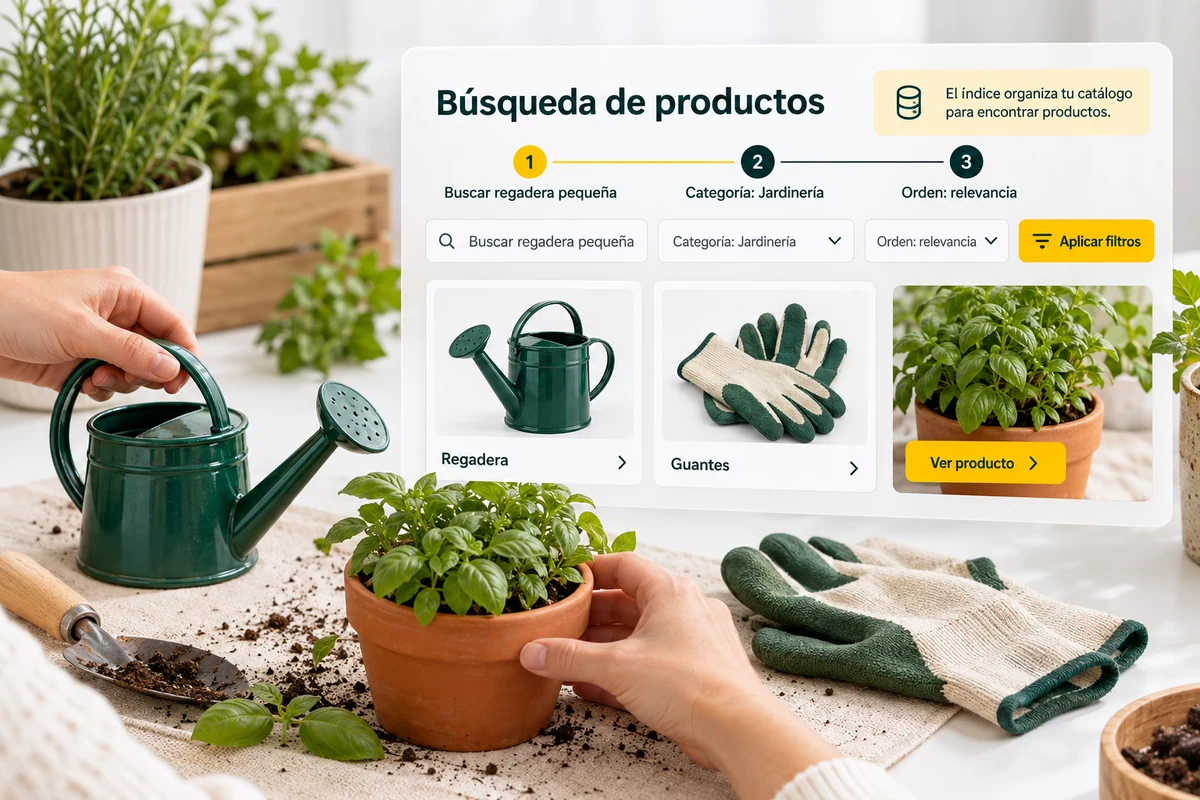
Visual identity without sacrificing reading.
Review the layer and appearance options available in your panel. Maintain sufficient contrast between text and backgrounds, and reserve color accents for actions and states that really need attention.
Product images, titles and prices must be quickly distinguishable. Check long names and photos with different proportions; a pretty view with example data may fail with a real catalog.
- Check long titles and prices.
- Use images from the actual catalog.
- Distinguish actions and states.
One identity, several screens
A search engine may show more information on desktop and need a more compact presentation on mobile. Preserves the hierarchy: query, criteria and results. Check that reducing the width does not hide the price or force you to slide the entire page horizontally to use a filter.
Explanatory example; It does not consult your account or modify data.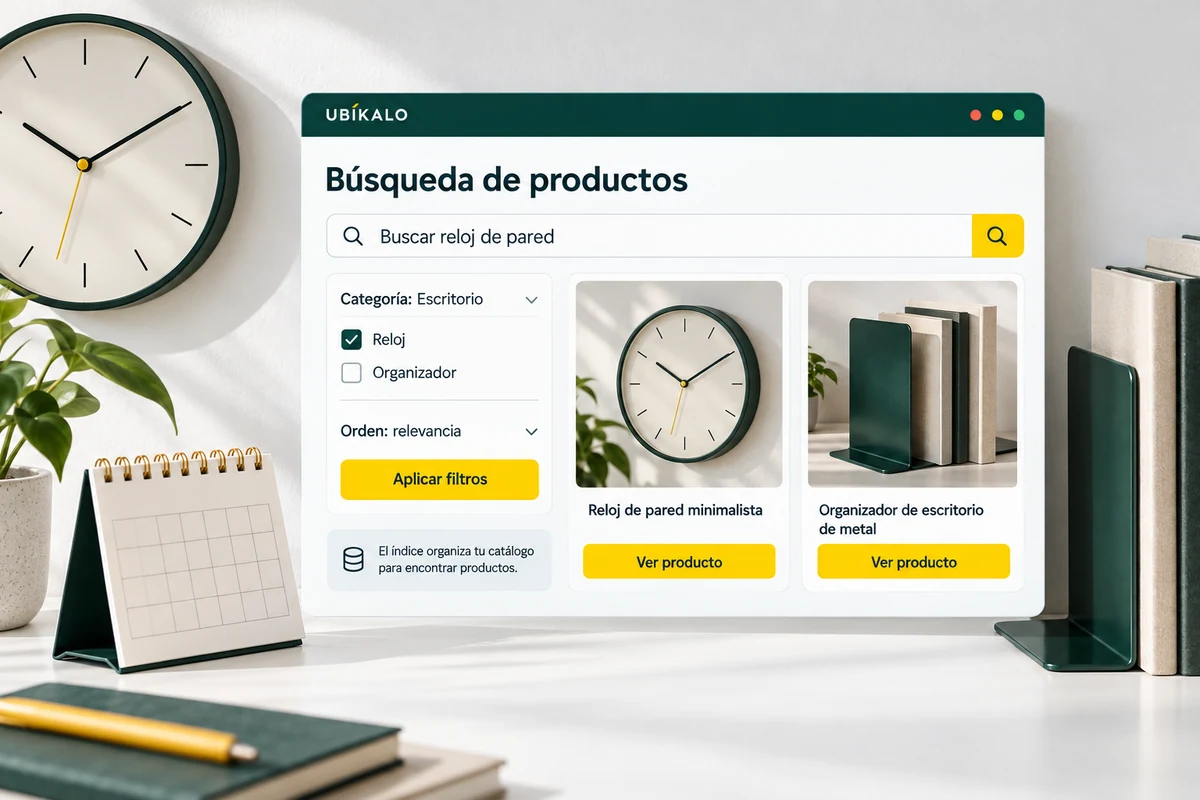
The preview does not replace the installed page.
Open the search engine within your site and check that the layer is not behind the header, does not block controls, and can be closed correctly. The context of the store matters as much as the visual configuration.
Repeat the test with the keyboard and from a phone. Review text entry, filter space, and product access before publishing a look change.
- Check opening and closing.
- Try keyboard and small screen.
- Validate the link to the product page.
A tour that you can check.
- Adjust the available appearance options.
- Review representative products in the preview.
- Test the actual installation on two screen sizes.
Questions about search engine appearance
Does changing the color alter the search?
The presentation and recovery of products are different aspects. Check both after adjusting the layer.
Can I use my store identity?
Review the options available in your account and check their results on the installed page.
Where are the changes saved?
In the authenticated tools of the panel. The compositions of this landing are illustrative.
See the actual steps and controls.
Settings depend on your account permission, integration, and scope. The guide documents how to locate options without confusing an illustration with a completed trade.
Open the corresponding guide →Take this experience to your business.
Review business options and scope before subscription.
Know the options →I already have an account