From queries to priorities
Review the most frequent searches and queries without results. It is a practical way to detect unclear names, missing synonyms or products that need review.

Identify what they search for, where they click, and what queries need attention. Convert search engine activity into decisions about content, catalog and campaigns.
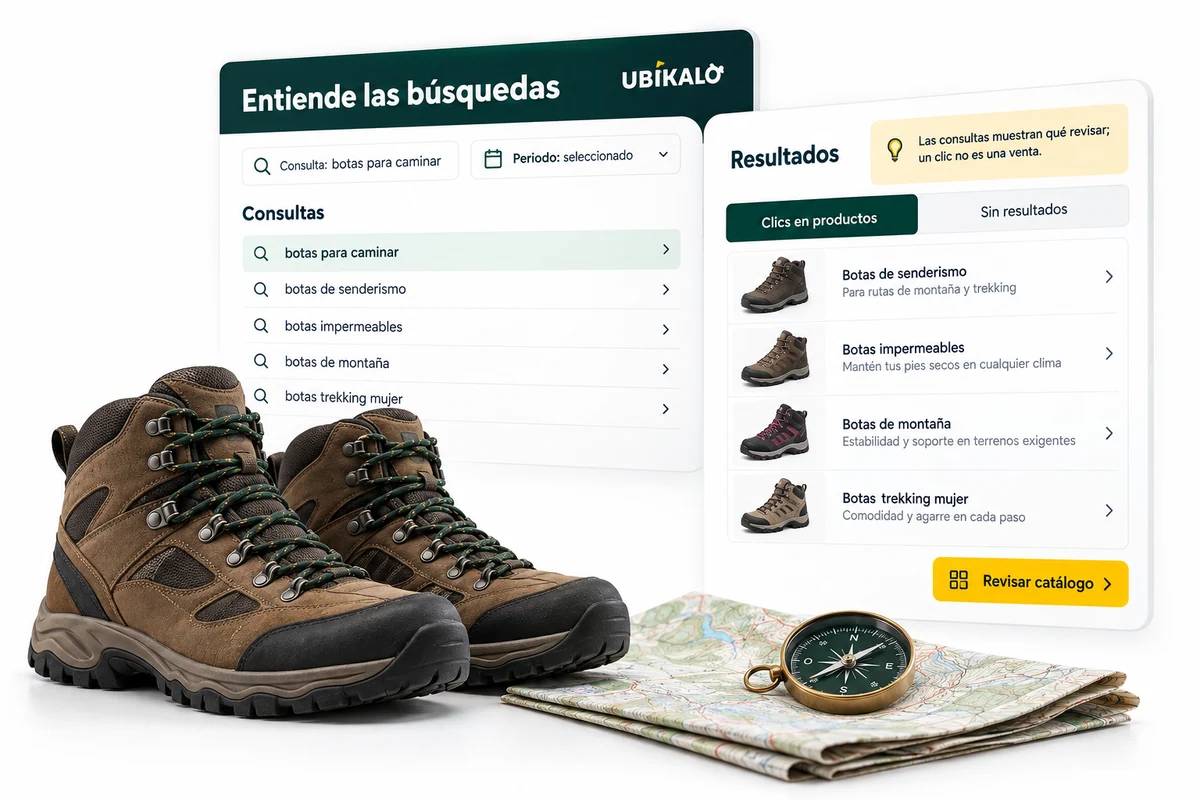
Each query may reveal a need that your catalog explains well or one that still needs attention. Internal search analytics help sort out those signals: what visitors order, what options they find, and what products they decide to click on. The value is turning a concrete observation into an adjustment that you can test.
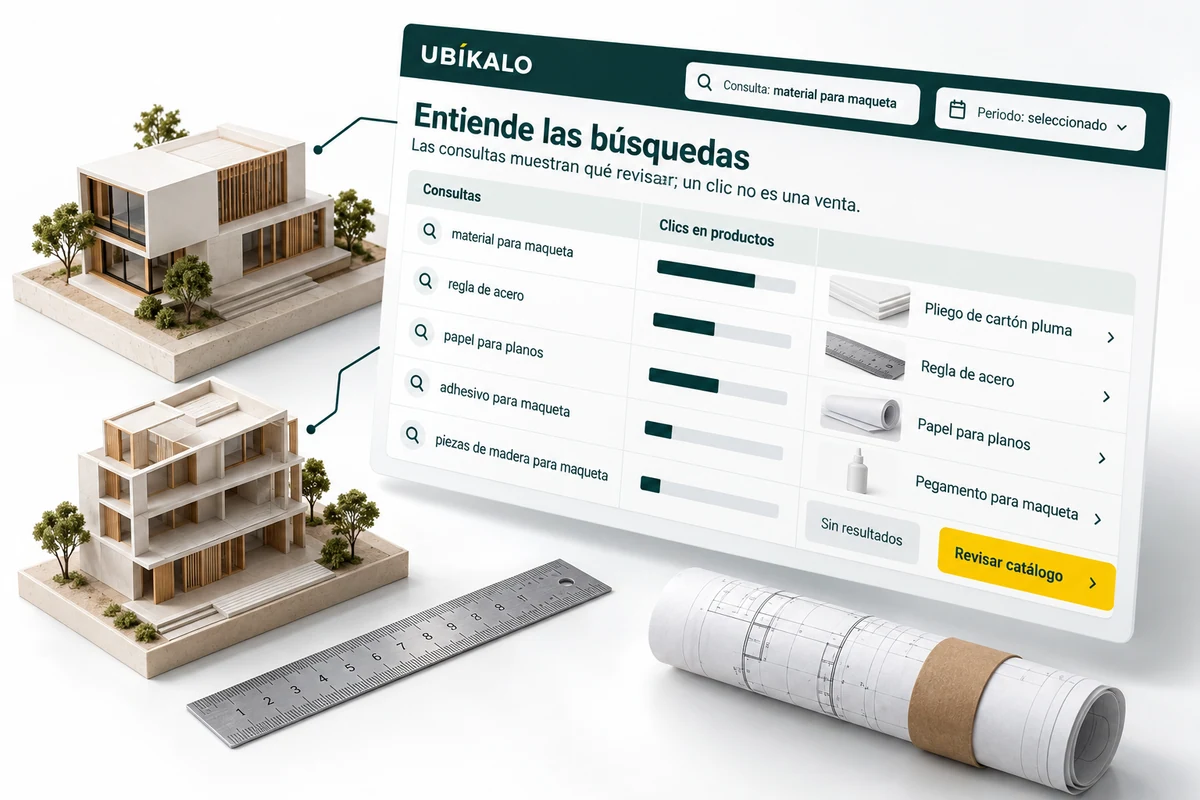
Frequently asked questions allow you to recognize how customers describe your products. Sometimes they use a name different from the one that appears on the record; other times they look for a category or a need for use. Reviewing these expressions helps detect unclear descriptions and opportunities to improve the catalog.
A search with no results does not in itself mean that you should purchase inventory. Checks if the product is indexed, if its attributes are correct, and if the query includes a condition that is too restrictive. Then decide if it is appropriate to correct a record, review a synonym or investigate a request that you have not yet attended to.
The metrics in the panel belong to the selected store and the period consulted; The graphics on this page are illustrative.
Use the selector to explore this example. Your business settings are managed from the authenticated panel.
Illustrative demonstration with fictitious data. You don’t look at an actual catalog or make calls to an AI vendor.
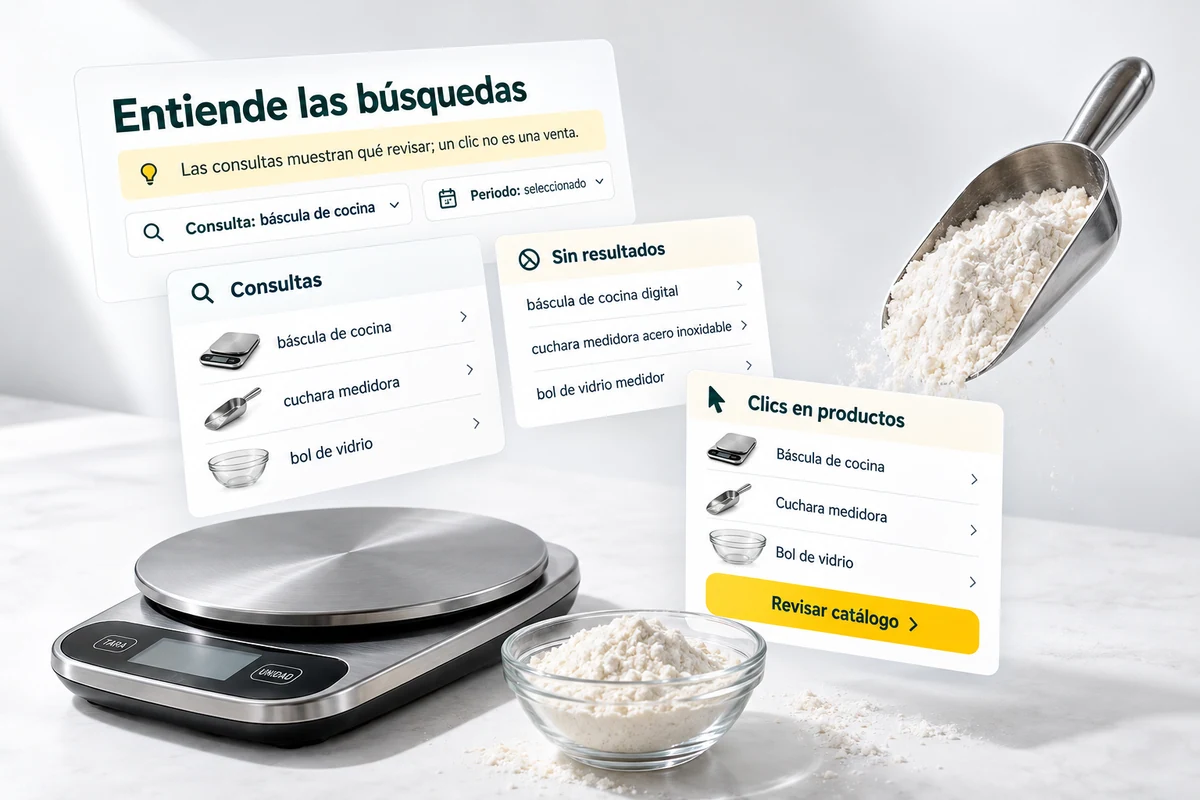
Select periods that you can compare and avoid interpreting a single figure in isolation. A search, a session, and a click represent different events. Queries executed while typing should also not be confused with singletons: see the definitions that accompany the reports.
Make a limited change and document what you are trying to improve. For example, populate attributes for a category and retry queries that previously failed. Then see if visitors find options and click. If you analyze sales, contrast the search engine attribution with the actual order information.
Measurement guides an investigation; It does not by itself prove that a change caused a sale.
Review the most frequent searches and queries without results. It is a practical way to detect unclear names, missing synonyms or products that need review.
Searches, sessions, clicks, and conversions have different definitions. Dashboard reports show your context; Don’t confuse a query during writing with a new person.
Adjust tokens, rules, and campaigns, then look at a comparable period. Metrics help investigate; They do not replace orders and the sales process of your business.
They allow you to review the available search activity, such as queries, clicks and sessions, with the context of the store and the selected period.
They help investigate indexing problems, names and attributes, query restrictions or needs that your offer does not yet cover.
No. A person or session can generate multiple queries, even while writing. Review the definition of each indicator.
No. The illustrations and demonstration use fictitious data. Your store reports are viewed in the authenticated dashboard.
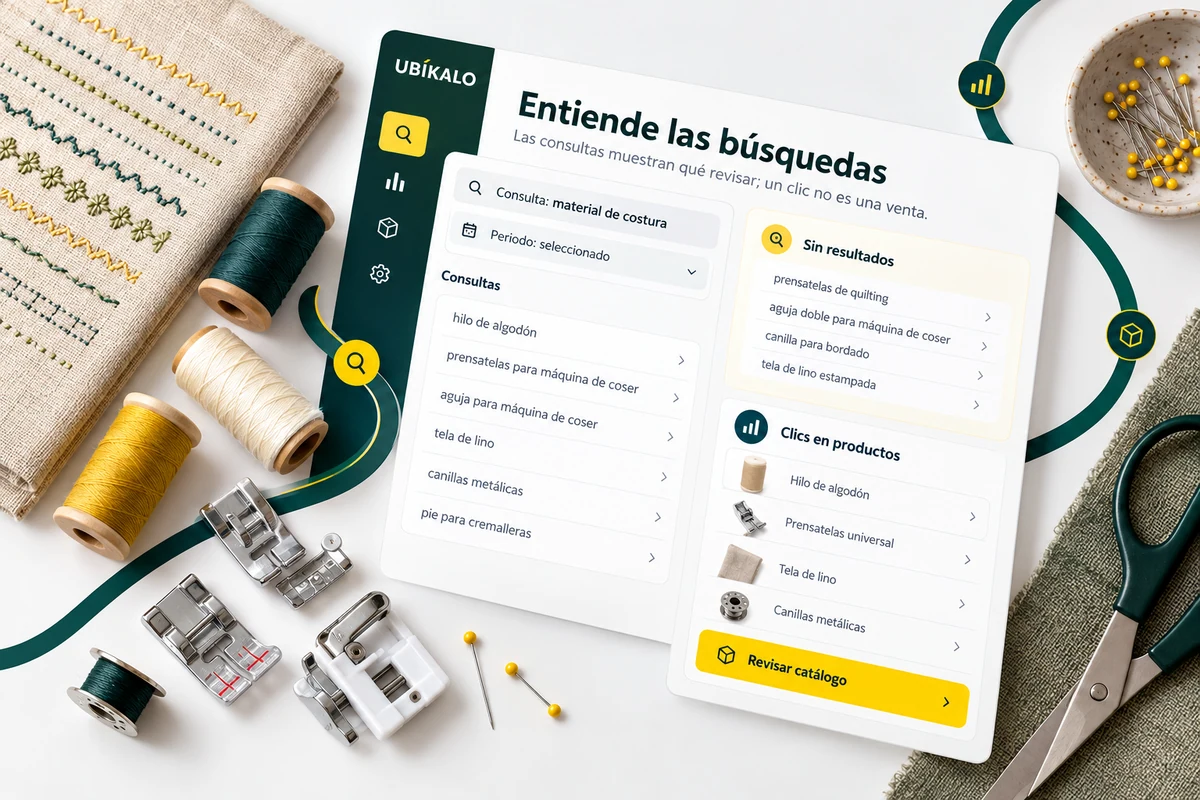
Your visitors don’t speak in catalog codes. Help them explore for what they need, with a search experience connected to your products.
Explore solution →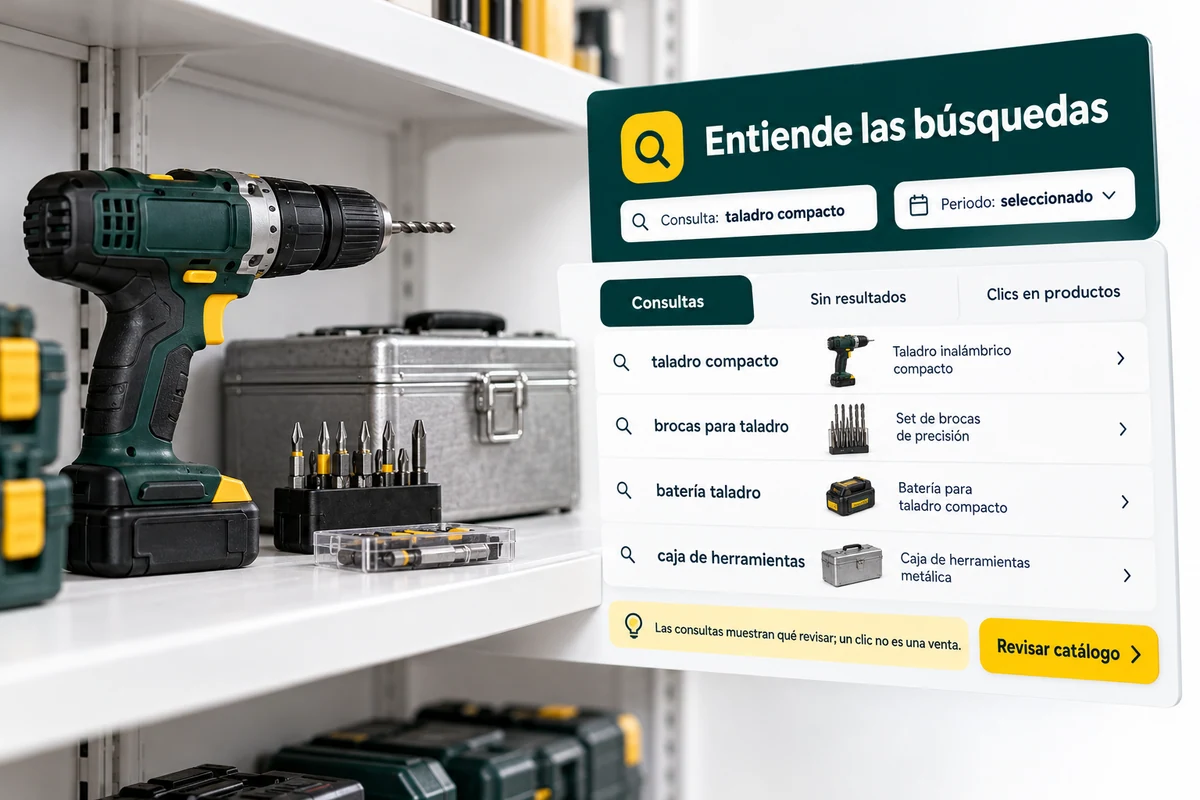
Give commercial intent to your search engine. Combine boost rules, personalized results and promotional spaces without losing control of context.
Explore solution →Review the trading options and scope available for your account.
Know the options →I already have an account