
Promotion
Banners and ads
Publish commercial pieces linked to the correct context.
Reviewed October 23, 2026 · Customer guide
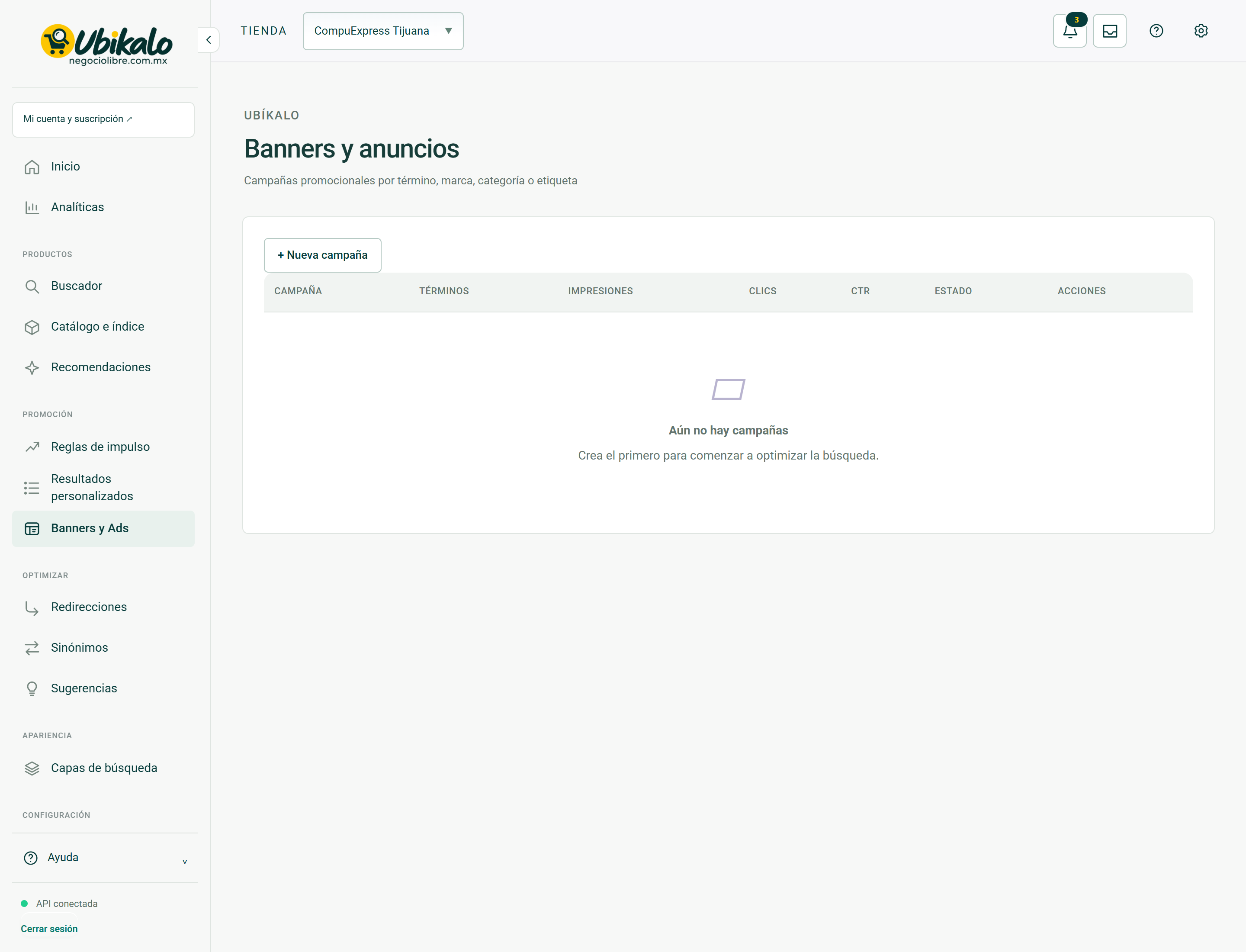
Read about this screen’s controls →
Steps
- Open Banners and Ads and create the piece with available content, destination, and targeting.
- Review status, dates and budget when those fields apply.
- Test one target query and one outside the segmentation.
- Verify mobile, link destination and visual recognition of sponsored content.
Responsible content
Do not publish prices or availability that the listing does not support. Don’t embed code, private data, or insecure links. A commercial image does not replace the product in the catalog.
Measurement
Distinguishes click and purchase impression. A click on an ad does not demonstrate a sale. Consumption and attribution depend on the recorded events and the campaign status.
How to verify it worked
The part appears only in the intended context, does not cover controls and opens the correct destination.