
UBÍKALO vs Searchanise: filters that help you choose
Compare how your products are found and limited. Review attributes, variations and budget with your own catalog, not just the appearance of a filter list.
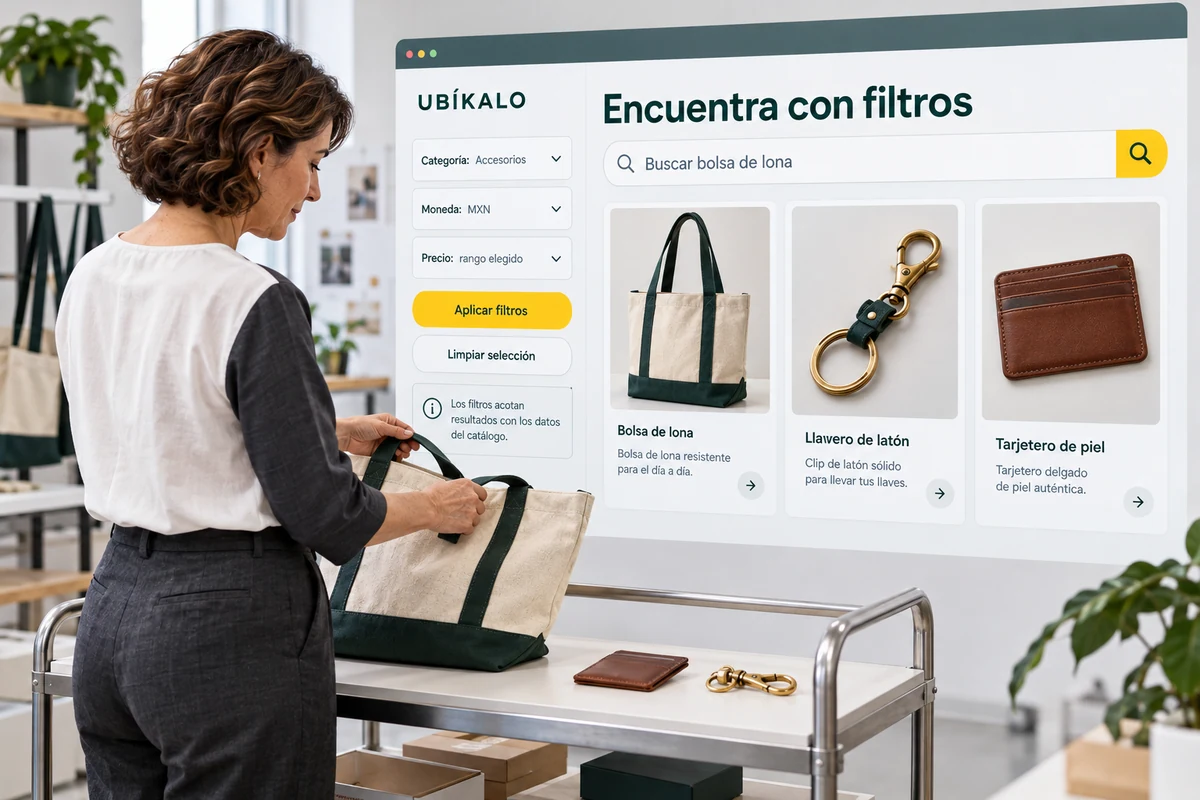
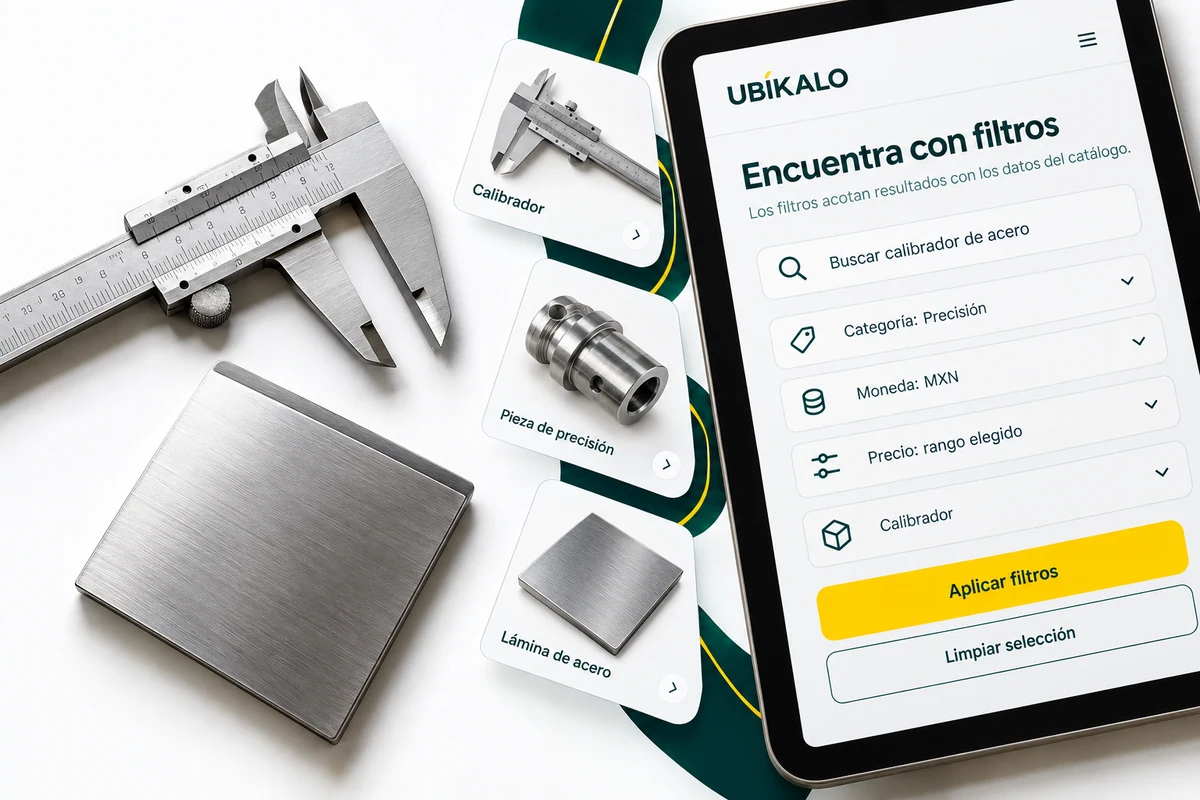
A filter is only useful when it represents your data well
Searchanise features search tools, suggestions, product filters and merchandising. Its public offer allows those areas to be identified; Your store integration and conditions must be confirmed separately. Searchanise official source ↗
To evaluate UBÍKALO, take a category with relevant attributes and check its presence in the index. If the color is written in various ways or the sizes are incomplete, the interface cannot convert that inconsistent origin into a reliable classification on its own. Check the product pages first.
A battery of filters on the catalog
| Priority | What to evaluate in UBÍKALO | What to confirm in Searchanise |
|---|---|---|
| Attributes | Review indexed data and available options | Integration fields and attributes |
| Combinations | Apply various conditions and verify each result | Combined filter behavior |
| Mobile view | Select, remove and return to results | Interface usability in your theme |
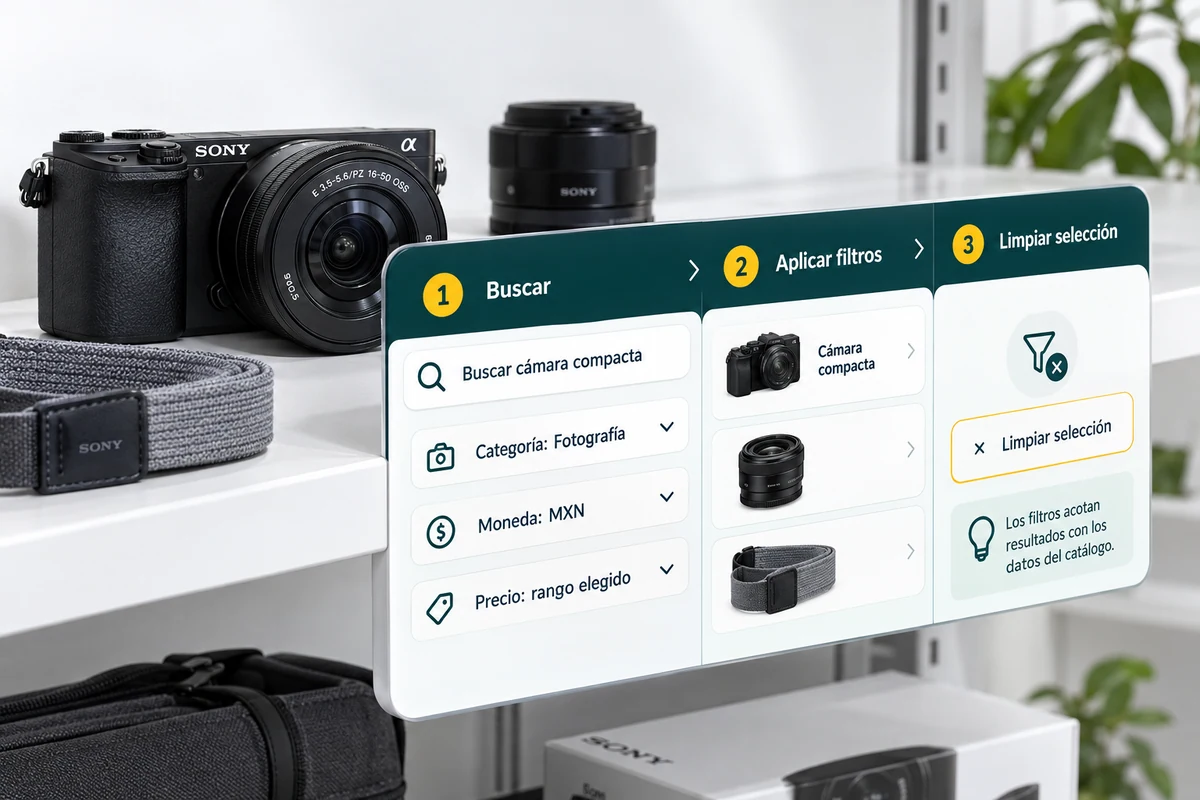
Try combinations and dead ends
Start with a query and apply category, price, and a relevant attribute. Check which products remain and if they meet all conditions. Then try a combination that should not find items. The empty state is also part of the experience and should not be confused with a connection error.
Include variable products when your catalog uses them. Distinguishes the main product from the option the visitor can purchase and confirms how their data is represented. It is not promised that two search engines will index variations in the same way by displaying filters with similar names.
Evaluate the selection also on a small screen
Check to see if the buyer understands which filters are active, how to remove them, and where they see the results again. A panel full of options can make the task difficult even if it works technically. Test the journey with the actual theme and your buyers’ typical screen sizes.
UBÍKALO has documentation to explore search, filters, and appearance. Contrast that experience with your requirements and with Searchanise’s offer. Compare the total of each package and avoid promising savings or greater accuracy without using the same products and conditions.
Your next step, with evidence.
- Correct a sample of attributes before comparing.
- Tests valid combinations and unmatched states.
- Check the complete tour on your mobile.
Questions when comparing UBÍKALO and Searchanise
Can the search engine invent missing attributes?
You shouldn’t assume it. Review and correct catalog source information.
Do two filters called "size" behave the same?
Not necessarily. Checks variations, indexed values and combination rules.
Scope, sources and conditions
Editorial review: 23 October 2026. This original UBÍKALO comparison is not sponsored or endorsed by Searchanise. The brands belong to their respective owners. References describe the provider’s public information; They do not constitute a test of performance.
Confirm functions, integration and current quotes for your case. No full equivalence, higher speed or lower universal cost is declared. To compare prices, use the same currency, taxes, period and scope; no rates have been pre-loaded or savings percentages invented.
Searchanise official source ↗ · Review the documented scope of UBÍKALO →
See what UBÍKALO can solve for your store.
Prepare your important queries and review trading options and integration before choosing.
Know the options →See the ten alternatives