
UBÍKALO vs Boost Commerce: first validate your platform
Before comparing features, check where each option can be installed. A solution targeting Shopify and a documented journey for WooCommerce require evaluating different contexts.
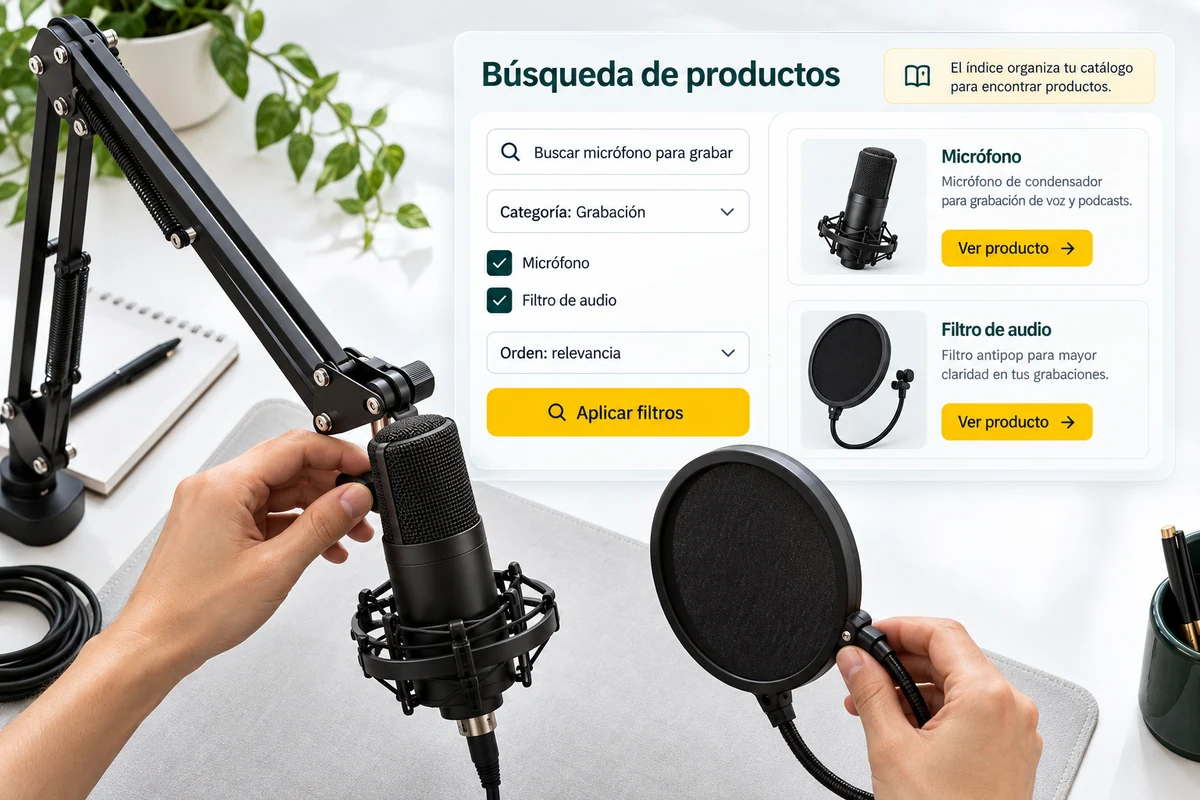
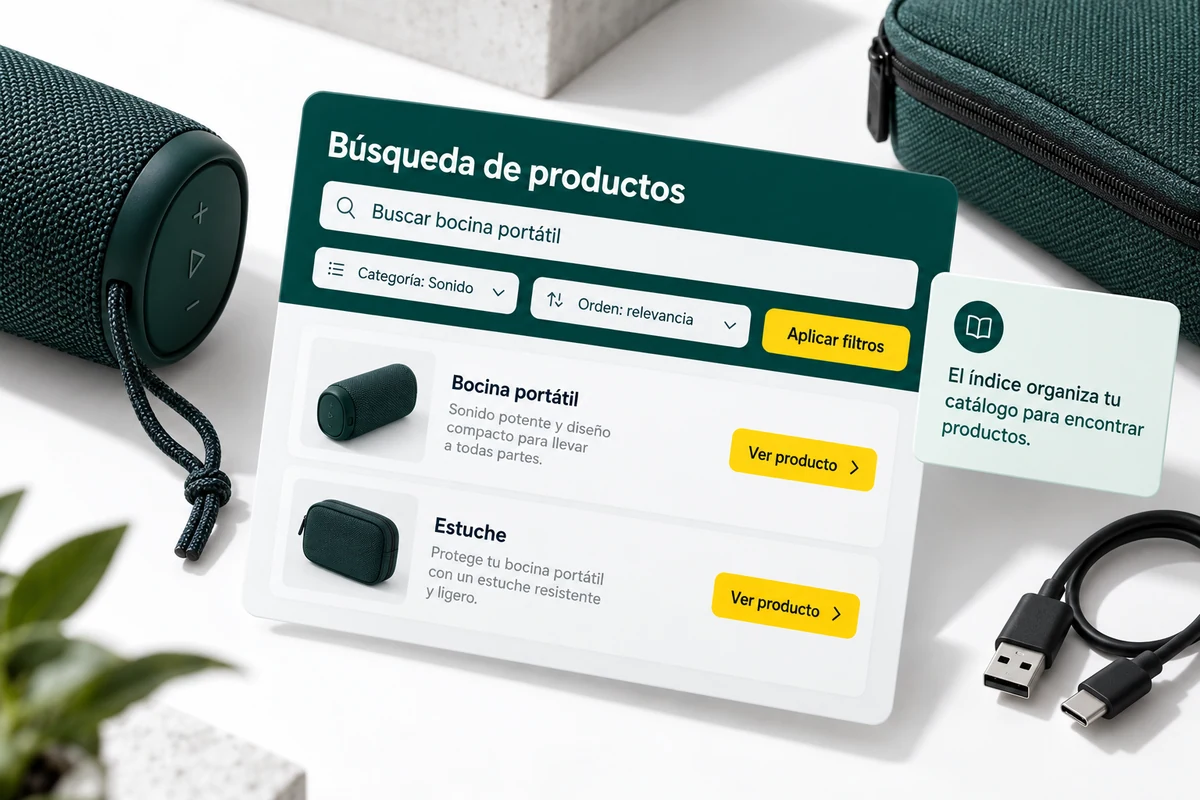
The platform is a requirement, not a later detail
Boost Commerce presents its search, filters, and product discovery as a proposition built for Shopify. Your orientation should be part of the comparison from the beginning. Boost Commerce Official Source ↗
UBÍKALO has documentation for WooCommerce. This page does not advertise a UBÍKALO connector for Shopify nor does it claim that you can replace an application on that platform with the same installation. If your store uses another architecture, validate the integration and its scope before requesting a feature equivalence.
Correct order to evaluate the installation
| Priority | What to evaluate in UBÍKALO | What to confirm in Boost Commerce |
|---|---|---|
| Platform | WooCommerce documented; other integrations to be validated | Guidance to Shopify and applicable scope |
| Theme | Search and filters in your test installation | App behavior in your theme |
| Commercial scope | Available package, tasks and controls | Features and conditions of the offer |
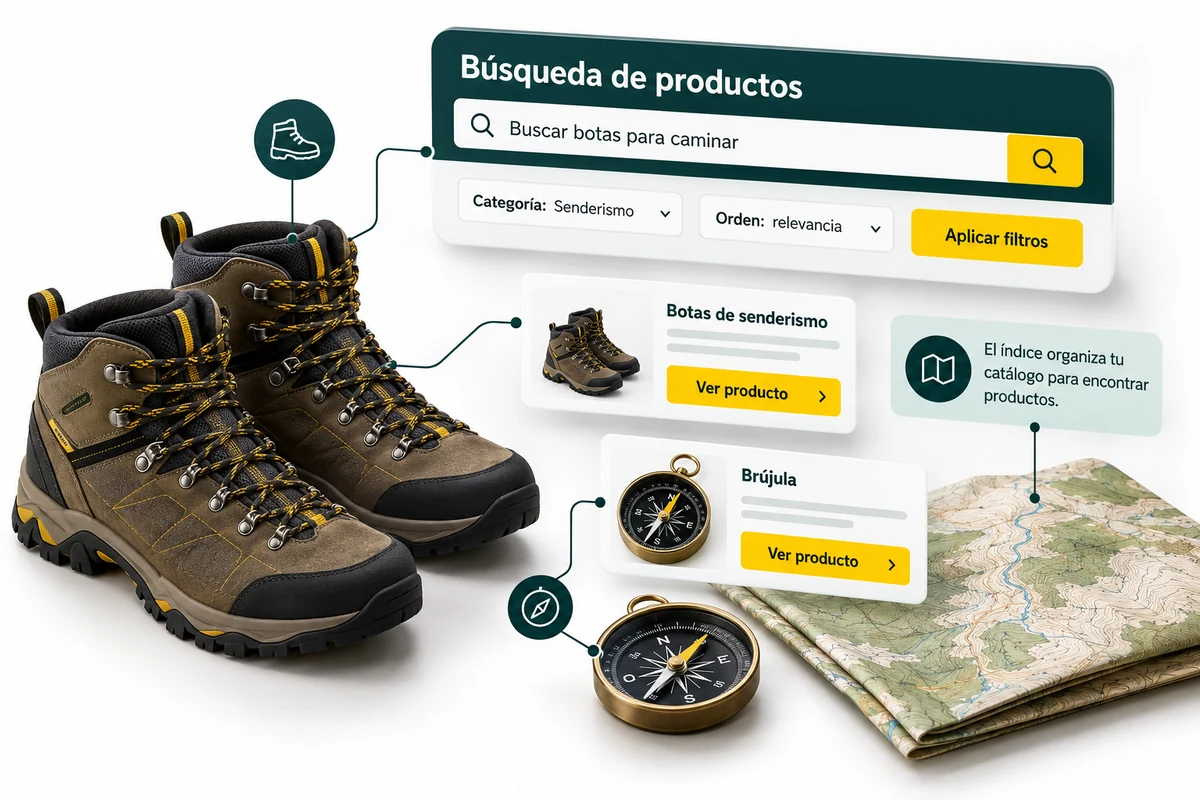
Test the theme and data before choosing a demo
On the corresponding platform, check the search engine opening, results, filters and access to the product page. Check the behavior of the theme, overlay elements, and mobile navigation. An example from another store does not allow you to anticipate all the interactions of your own facility.
At UBÍKALO you can start with the catalog and appearance guides, and then evaluate the available promotions. Prepare a sample that includes availability, currency, and attributes. Don’t move decisions from one app to another without confirming how that data is synced and presented.
An honest comparison can rule out an option for integration
If one of the alternatives does not have a supported path for your platform, leave it as technical pending instead of marking it as a ready-to-install replacement. This criterion avoids a purchase based on a visual resemblance that then requires an unbudgeted project.
When both proposals are viable in your scenario, compare packages, maintenance tasks and tests with the catalog. Choosing UBÍKALO should be based on covered requirements, not on claims that it works natively where it has not yet been validated or that it costs less than any Shopify application.
Your next step, with evidence.
- Identifies platform, versions and mandatory requirements.
- Confirm a supported integration before comparing interfaces.
- Test the theme and calculate the cost of the actual scope.
Questions when comparing UBÍKALO and Boost Commerce
Does this page advertise UBÍKALO for Shopify?
No. The reference documentation here is WooCommerce; any other integration requires validation.
Can I automatically migrate Boost settings?
An automatic import is not promised. You must inventory and validate the functions of your case.
Scope, sources and conditions
Editorial review: 23 October 2026. This original UBÍKALO comparison is not sponsored or endorsed by Boost Commerce. The brands belong to their respective owners. References describe the provider’s public information; They do not constitute a test of performance.
Confirm functions, integration and current quotes for your case. No full equivalence, higher speed or lower universal cost is declared. To compare prices, use the same currency, taxes, period and scope; no rates have been pre-loaded or savings percentages invented.
Boost Commerce Official Source ↗ · Review the documented scope of UBÍKALO →
See what UBÍKALO can solve for your store.
Prepare your important queries and review trading options and integration before choosing.
Know the options →See the ten alternatives