
UBÍKALO: alternative to Doofinder in Mexico
Your store needs your products to be found, not another tool that no one configures. Evaluate UBÍKALO from the queries, catalog and campaigns you actually use.
Start with what your buyers aren’t finding
An alternative makes sense when it solves an identifiable problem. Gather searches that today end up without results, products that should appear and filters that your visitors need. With that list you can evaluate UBÍKALO without depending on a demo prepared for another catalog.
For a store that sells in Mexico, it is advisable to try expressions in Spanish, amounts in MXN and common names among its buyers. This does not require inventing regionalisms: use real queries from your business and confirm that prices and availability correspond to the connected catalog.
Evaluation checklist for a Mexican store
| Need | What to check in UBÍKALO | Evidence that should be kept |
|---|---|---|
| Catalog Currency | Prices and filters in the configured currency | Three product pages with contrasted price |
| Find products | Results for business queries | List of queries and expected products |
| Daily operation | Synchronization, permissions and controls available | Responsible and review procedure |
A decision that combines search and operation
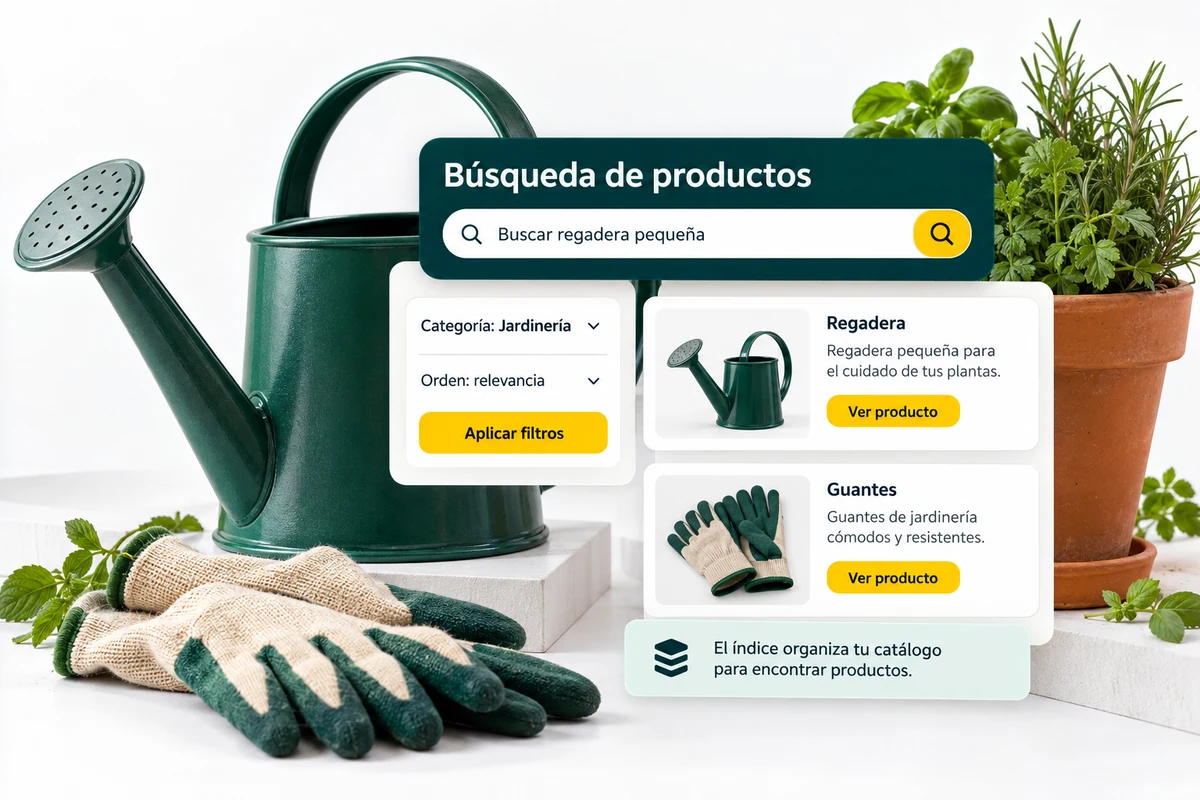
UBÍKALO brings together documented tools to consult the catalog, configure synonyms, present filters and review activity. It also has promotion controls. Check what’s enabled in your account before making that list a subscription requirement.
The comparison doesn’t end when you find a product. Review who updates the catalog, how a pending sync is detected, and who manages campaigns. A proper tool should be able to maintain itself with the equipment and permissions your store has today.
Ask for a test that you can repeat
Select twenty queries and write down which result would be correct for each one. Include exact names, descriptions, out-of-stock products, and quotes. Run the same list on the systems you are testing and preserve the test conditions.
The final choice may depend on the total cost, integration, and scope of features. This page presents a commercial alternative, not a certification of superiority or an official relationship with Doofinder.
A comparison that you can put into practice.
- Select the search problems that most affect your catalog.
- Try the same queries and conditions in each tool.
- Contrast the scope of the package with your operation before subscription.
Resolve these doubts before choosing.
Does UBÍKALO belong to Doofinder?
No. They are independent products. The mention serves to identify the comparison.
Does this alternative work for any platform?
Review supported integration. UBÍKALO has documentation for WooCommerce; other platforms require validating the scope.
Scope and sources of this comparison
Content reviewed on 23 October 2026. UBÍKALO and Doofinder are independent brands; This page is not sponsored or endorsed by Doofinder. Trading features and conditions may change. No claim of full equivalence, universal lower rate, or higher speed is made without equivalent proof.
See the documented scope of UBÍKALO → · Doofinder official source ↗
Evaluate UBÍKALO with your store’s needs.
Review the package and prepare a list of questions from your catalog before deciding.
Know the options →See the ten comparisons