
UBÍKALO vs Doofinder for your WooCommerce
The integration is decided in your store, not in a list of logos. Review catalogue, variations, theme and data update before choosing a search engine for WooCommerce.
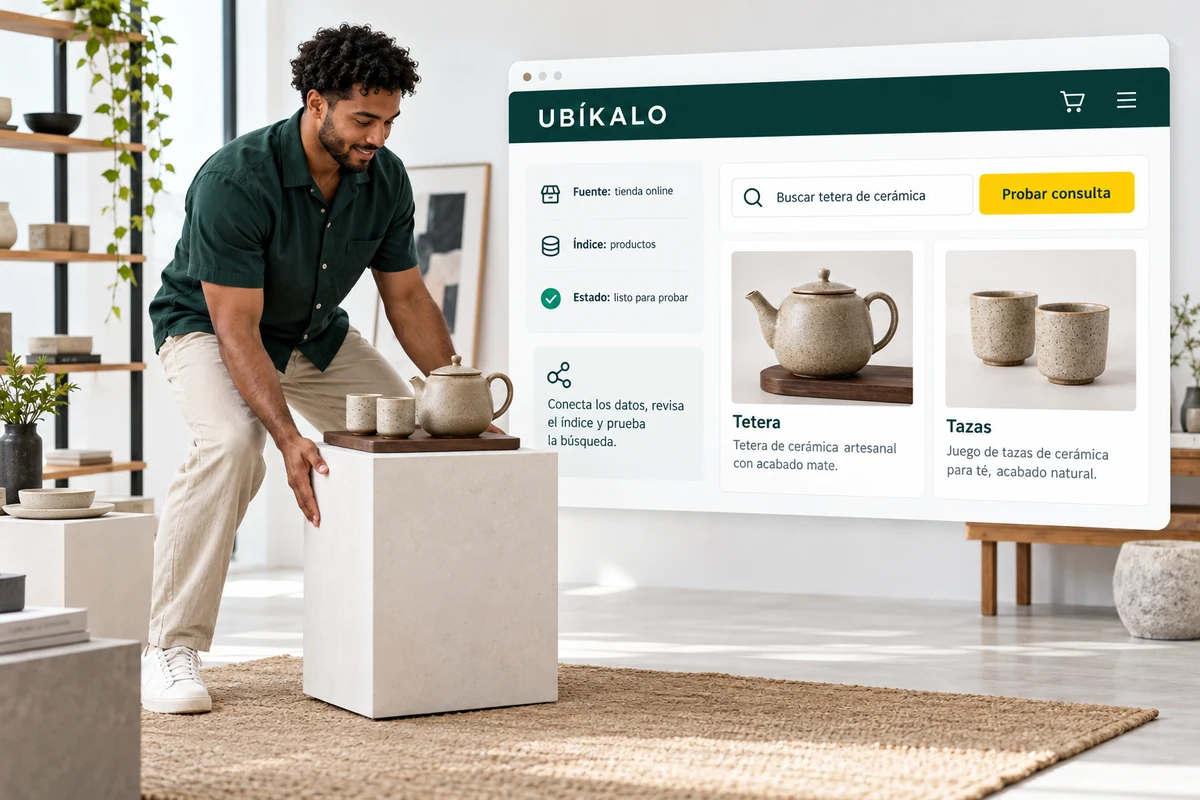
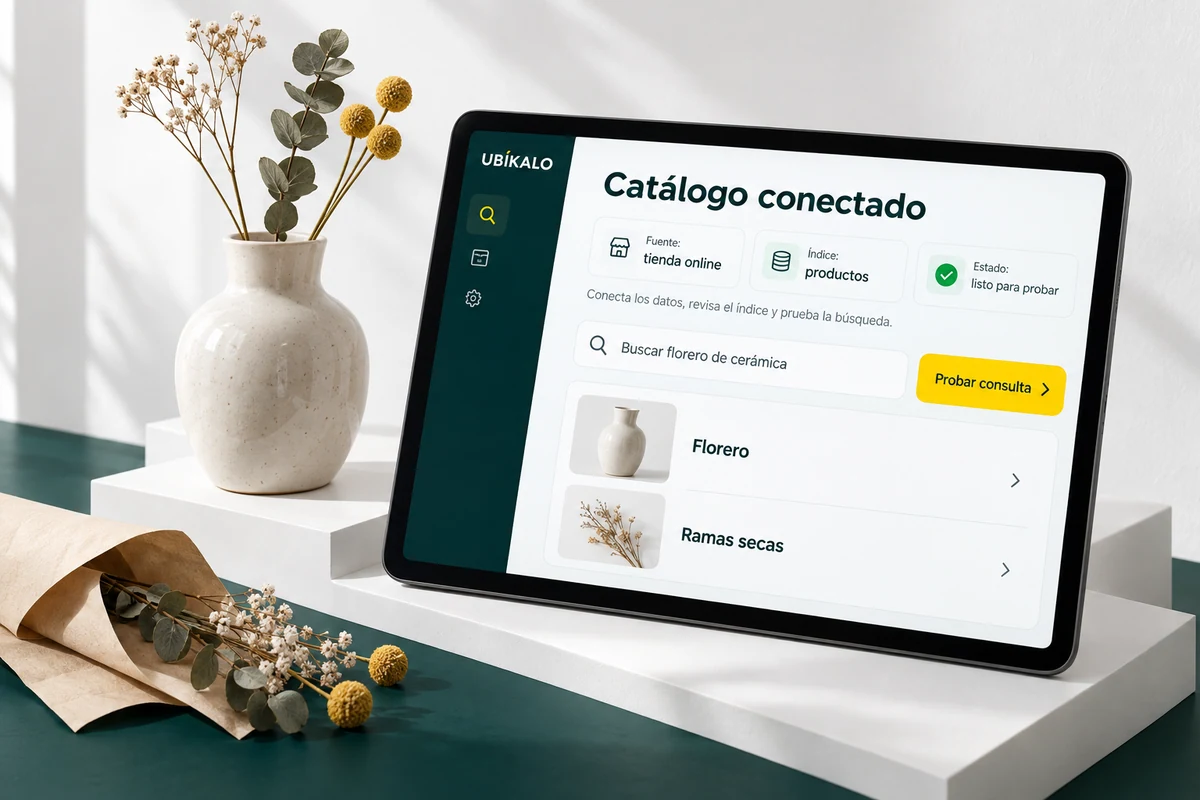
Check the listings that your catalog actually publishes
Prepare a sample with simple and variable products, categories, brands if you use them, and relevant attributes. Check names, links, prices and availability after syncing. The index should not be evaluated with incomplete data that was already wrong at the source.
UBÍKALO has an installation guide for WooCommerce and catalog controls. Start with them and check the integration permissions. Do not assume support for any extension, version, or custom framework without testing the walkthrough.
WooCommerce Acceptance Testing
| Area | Recommended case | Acceptance sign |
|---|---|---|
| Catalog | Simple sheet and one with variations | Data and links consistent with the source |
| Theme | Open search, filter and enter tab | Tour usable on desktop and mobile |
| Synchronization | Modify a trial product | Change reflected according to agreed process |
| Purchase | Continue to cart and checkout | Preserved existing business flow |
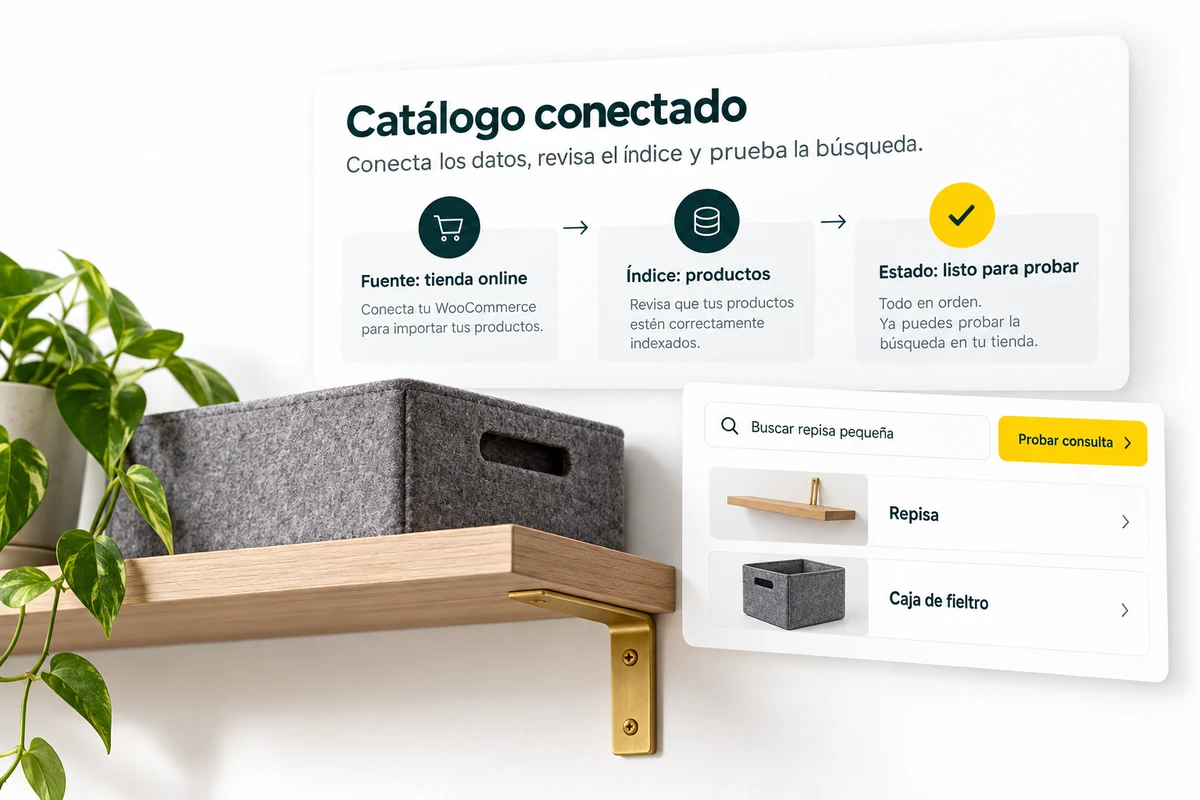
Test the search engine in your theme and on mobile
Check how the search opens, where the filters appear and if you can enter a tab from the results. Check keyboard, screen sizes and possible style conflicts. An installation that works on a demo theme still needs to be validated on yours.
Doofinder also documents an integration for WooCommerce. That is why the mere fact of having a connector does not determine the choice. The useful thing is to compare the tasks that your store needs and record the behavior observed in a test environment. Doofinder official source ↗
Validate the update after installing
Change a test product and see when it is reflected in the index. Repeat with price, availability and link where applicable. If the card and the result differ, resolve the origin before evaluating recommendations or campaigns about that product.
Do not deactivate your current search engine until you have acceptance criteria and a return procedure. The goal is for the new journey to work without altering the cart, checkout or other extensions of your store.
A comparison that you can put into practice.
- Prepare a test copy of your store.
- Check integration, theme and catalog update.
- Schedule the change only when your criteria are met.
Resolve these doubts before choosing.
Is it enough that both have the WooCommerce plugin?
No. Review versions, theme, extensions and behavior with your products.
Does changing the search engine require modifying my products?
Check the integration first. It may be necessary to correct source data, but you should not make massive changes without a diagnosis.
Scope and sources of this comparison
Content reviewed on 23 October 2026. UBÍKALO and Doofinder are independent brands; This page is not sponsored or endorsed by Doofinder. Trading features and conditions may change. No claim of full equivalence, universal lower rate, or higher speed is made without equivalent proof.
See the documented scope of UBÍKALO → · Doofinder official source ↗
Evaluate UBÍKALO with your store’s needs.
Review the package and prepare a list of questions from your catalog before deciding.
Know the options →See the ten comparisons